shadcn.io is an independent project built on shadcn/ui
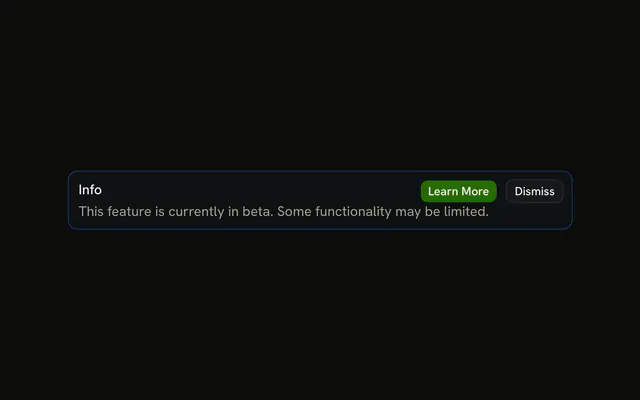
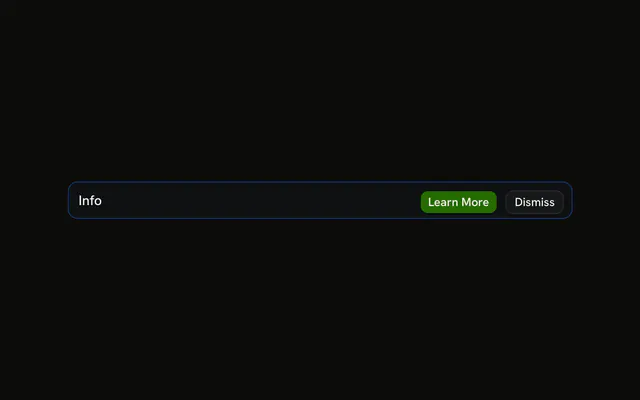
An info icon, the title Info, and a line that the feature is in beta and updates ship regularly. Learn More is filled. Dismiss is outlined. Neither button goes anywhere.
Use it for a notice people might open or clear. If it only needs a moment, send a Sonner toast. In React, Ark UI does not follow Learn More.
Installation
Anatomy

Usage
<Alert className="max-w-lg" variant="info">
  <InfoIcon aria-hidden="true" />
  <AlertTitle>Info</AlertTitle>
  <AlertDescription>
    This feature is currently in beta and new updates are being released
    regularly.
  </AlertDescription>
  <AlertAction className="flex gap-2">
    <Button size="xs">Learn More</Button>
    <Button size="xs" variant="outline">
      Dismiss
    </Button>
  </AlertAction>
</Alert>
FAQ
What is in this info alert?
InfoIcon first, then AlertTitle, AlertDescription, and Learn More plus Dismiss in AlertAction. The root is variant="info" with className="max-w-lg".
What color is the Info icon?
The theme's --info color, set by variant="info" on the alert. You don't add color or size classes: the alert sizes the icon and colors it for each variant, while the title and description keep the regular text colors.
API Reference
Alert
Sets variant="info". The rest is on the Alert page.
Button
Sets size="xs" and variant="outline". The rest is on the Button page.