shadcn.io is an independent project built on shadcn/ui
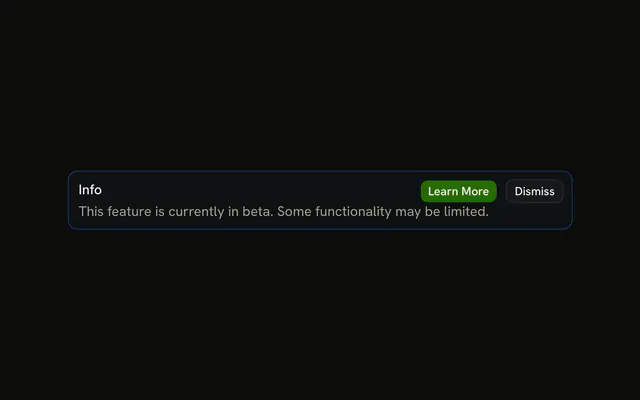
The title Info on an info-tinted alert, with Learn More and Dismiss beside it. No icon and no description. The buttons have no handlers.
Keep it for a short announcement with a next step. A notice that should fade belongs in Sonner. In React, Ark UI will not navigate or dismiss it.
Installation
Anatomy

Usage
<Alert className="max-w-lg" variant="info">
  <AlertTitle>Info</AlertTitle>
  <AlertAction className="flex gap-2">
    <Button size="xs">Learn More</Button>
    <Button size="xs" variant="outline">
      Dismiss
    </Button>
  </AlertAction>
</Alert>
FAQ
What sits next to the title?
Learn More and Dismiss, in one AlertAction. The alert is variant="info" with a single AlertTitle and no description.
Does Learn More go anywhere in this demo?
No. It is a Button with size="xs" and no href or click handler. Dismiss is the same size with variant="outline". Wire those yourself if the buttons should navigate or hide the alert.
API Reference
Alert
Sets variant="info". The rest is on the Alert page.
Button
Sets size="xs" and variant="outline". The rest is on the Button page.