shadcn.io is an independent project built on shadcn/ui
The dashed area reads Right click here. A File Management label sits over Get Info, Permissions, and Sharing Settings. Properties follows on its own.
Use it for the settings side of a file, apart from everyday actions. Open the details in a Sheet if they need more than a menu item. In React, Ark UI does not load the file info.
Installation
Anatomy
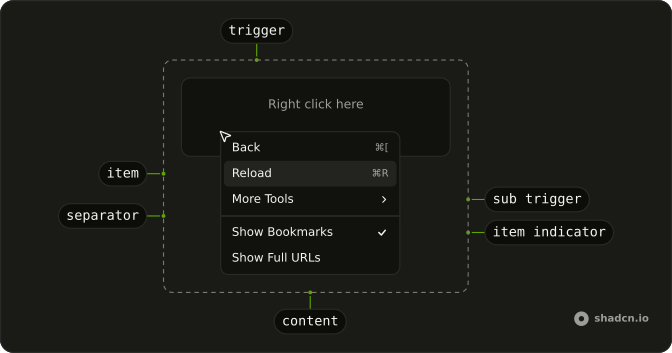
Usage
<ContextMenu>
  <ContextMenuTrigger className="flex h-[200px] w-full max-w-lg items-center justify-center rounded-md border border-dashed text-sm">
    <span className="pointer-fine:inline-block hidden">Right click here</span>
    <span className="pointer-coarse:inline-block hidden">
      Long press here
    </span>
  </ContextMenuTrigger>
  <ContextMenuContent className="w-56">
    <ContextMenuGroup>
      <ContextMenuGroupLabel>File Management</ContextMenuGroupLabel>
      <ContextMenuItem value="get-info">
        <InfoIcon aria-hidden="true" />
        Get Info
      </ContextMenuItem>
      <ContextMenuItem value="permissions">
        <LockIcon aria-hidden="true" />
        Permissions
      </ContextMenuItem>
      <ContextMenuItem value="sharing-settings">
        <UsersIcon aria-hidden="true" />
        Sharing Settings
      </ContextMenuItem>
    </ContextMenuGroup>
    <ContextMenuSeparator />
    <ContextMenuGroup>
      <ContextMenuItem value="properties">
        <InfoIcon aria-hidden="true" />
        Properties
      </ContextMenuItem>
    </ContextMenuGroup>
  </ContextMenuContent>
</ContextMenu>
FAQ
How are the section labels added?
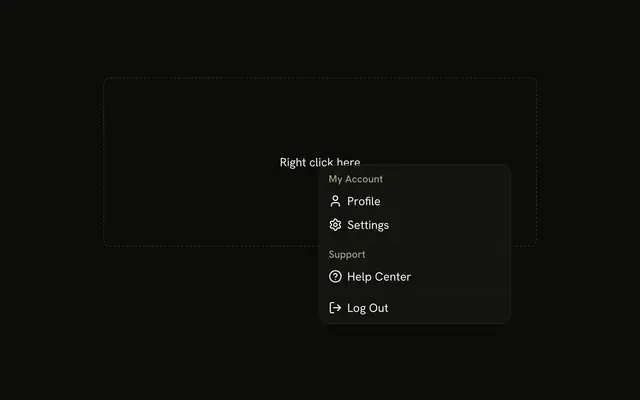
Each label is a ContextMenuGroupLabel at the top of a ContextMenuGroup with the items it names. The label isn't selectable; screen readers announce it as the group's name.
How are the icons added?
A Lucide icon as the first child of each item, hidden from assistive tech since the label names the action. The menu styles size and space it.
What opens the menu?
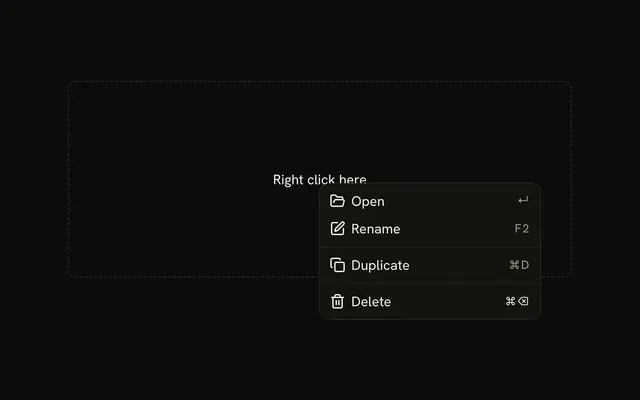
A right-click inside the dashed area, which reads Right click here on a mouse and Long press here on a touch screen.
The area is ContextMenuTrigger; a long press on it opens the menu too.
Wrap your own row, file or canvas in the trigger instead.
How do I run an action when an item is chosen?
Each item has a value; handle onSelect on ContextMenu, which receives { value }.
The menu closes after the action runs.
How do keyboard and touch users find these actions?
The arrow keys move through an open menu, Enter runs an item and Escape closes it. A right-click is easy to miss, so also offer the same actions from a visible button, such as a Dropdown Menu.
API Reference
Context Menu
Sets value="get-info", value="permissions", value="sharing-settings" and value="properties". The rest is on the Context Menu page.