shadcn.io is an independent project built on shadcn/ui
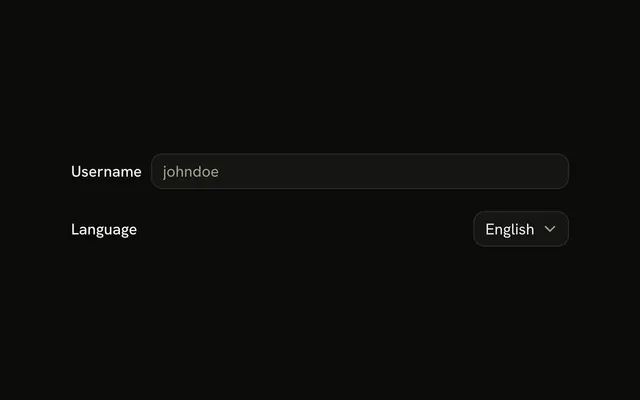
Theme and the menu share one row. The menu already shows System. The choices are Light, Dark, and System. There is no placeholder.
Put it on a setting with a default that should stay on one line. The operating system's menu is a Native Select. Ark UI in React does not change the theme.
Installation
Anatomy

Usage
<Field className="max-w-md" orientation="horizontal">
  <FieldLabel>Theme</FieldLabel>
  <Select collection={collection} defaultValue={["system"]}>
    <SelectTrigger>
      <SelectValue />
    </SelectTrigger>
    <SelectContent>
      <SelectGroup>
        {collection.items.map((item) => (
          <SelectItem item={item} key={item.value}>
            {item.label}
          </SelectItem>
        ))}
      </SelectGroup>
    </SelectContent>
  </Select>
</Field>
FAQ
How do the label and the select share a row?
orientation is horizontal on Field, so Theme and the Select sit side by side. max-w-md caps the row.
Which theme is selected at first?
There is no placeholder, because a theme is already selected. The items are Light, Dark, and System.
Set defaultValue to an array containing system.
Where do Light, Dark, and System go?
Each theme is a SelectItem. The trigger shows the selected label.
How does the Theme label connect?
FieldLabel names the select. Field connects the two for you, with no ids to write. The label is the first child of the horizontal field.
API Reference
Field
Sets orientation="horizontal". The rest is on the Field page.
Select
Sets collection={collection}, defaultValue={["system"]} and item={item}. The rest is on the Select page.