shadcn.io is an independent project built on shadcn/ui
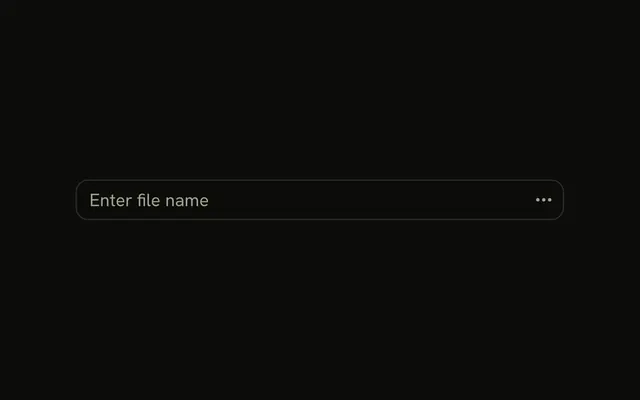
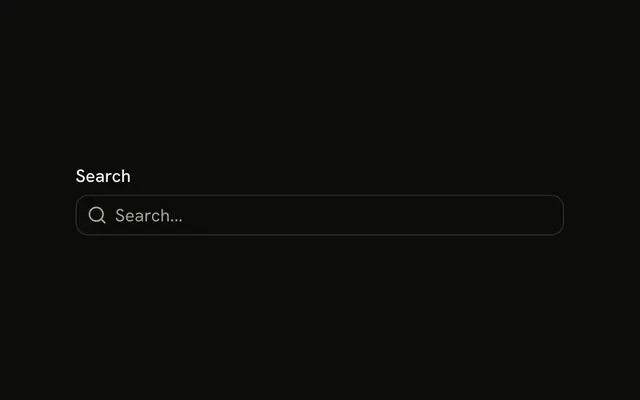
A product search field with a Category button at the end. The menu offers All Products, Electronics, and Clothing. Choosing one does not change the Category label, and it does not filter a list.
Use it to keep a coarse filter attached to the search box. If the button should show the current choice, render it from a Select. In React, Ark UI does not remember the category.
Installation
Anatomy

Usage
<InputGroup className="w-full max-w-sm bg-background [--radius:1rem]">
  <InputGroupInput
    aria-label="Search products"
    placeholder="Search products"
    type="search"
  />
  <InputGroupAddon align="inline-end">
    <DropdownMenu positioning={{ placement: "bottom-end" }}>
      <DropdownMenuTrigger asChild>
        <InputGroupButton className="pe-1.5! text-xs" variant="ghost">
          Category
          <ChevronDownIcon aria-hidden="true" className="size-3" />
        </InputGroupButton>
      </DropdownMenuTrigger>
      <DropdownMenuContent className="[--radius:0.95rem]">
        <DropdownMenuGroup>
          <DropdownMenuItem value="all">All Products</DropdownMenuItem>
          <DropdownMenuItem value="electronics">Electronics</DropdownMenuItem>
          <DropdownMenuItem value="clothing">Clothing</DropdownMenuItem>
        </DropdownMenuGroup>
      </DropdownMenuContent>
    </DropdownMenu>
  </InputGroupAddon>
</InputGroup>
FAQ
How is the Category button built?
An InputGroupButton with text-xs and a small chevron after the label. DropdownMenuTrigger takes asChild, so the InputGroupButton itself is the trigger.
Why does the trigger have pe-1.5!?
It trims the end padding so the chevron sits close to the group's rounded edge. The ! makes it win over the button's own padding.
What do the --radius classes do?
[--radius:1rem] on InputGroup and [--radius:0.95rem] on the menu change the radius token for each part, so the field and its menu round alike. The menu's class goes on DropdownMenuContent.
Where does the menu open?
Under the button, aligned to its end. positioning on DropdownMenu sets placement to bottom-end.
API Reference
Input Group
Sets aria-label="Search products", placeholder="Search products", type="search", align="inline-end" and variant="ghost". The rest is on the Input Group page.
Dropdown Menu
Sets positioning, placement, bottom-end, asChild, value="all" and value="electronics". The rest is on the Dropdown Menu page.