shadcn.io is an independent project built on shadcn/ui
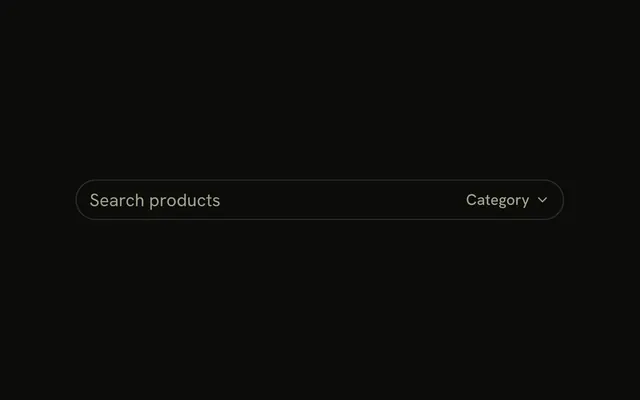
A search input with a magnifying glass before the text. The icon is not its own button. Clicking it focuses the field. The search type gives assistive tech a search field and mobile keyboards a search key.
Use it for a find box that runs as someone types or on Enter. A list of suggestions is a Combobox. In React, Ark UI does not run the search.
Installation
Anatomy

Usage
<InputGroup className="w-full max-w-sm bg-background">
  <InputGroupInput
    aria-label="Search"
    placeholder="Search..."
    type="search"
  />
  <InputGroupAddon>
    <SearchIcon aria-hidden="true" />
  </InputGroupAddon>
</InputGroup>
FAQ
How does the icon sit before the input?
The InputGroupAddon keeps the default align, inline-start. It's written after the input, and align puts it first visually.
Does clicking the icon focus the field?
A click on the addon's empty space focuses the input, because the addon looks for the group's input. Clicks on a button inside the addon stay on that button.
Why type=search?
It marks the field as search for assistive tech and gives mobile keyboards a search key.
API Reference
Input Group
Sets aria-label="Search", placeholder="Search..." and type="search". The rest is on the Input Group page.