shadcn.io is an independent project built on shadcn/ui
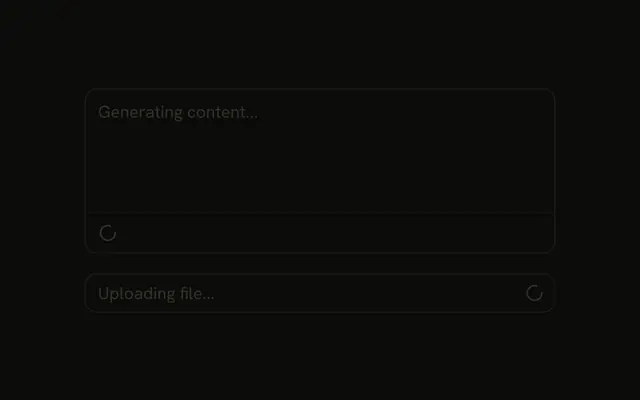
The input is disabled, and the placeholder says Saving changes.... At the end, Saving... sits just before a spinner. The demo never turns that spinner off.
Use the words when a spinner alone would not say what is happening. A wait on the submit button is a Spinner in that button. In React, Ark UI does not clear Saving... when the save finishes.
Installation
Anatomy

Usage
<InputGroup className="w-full max-w-sm bg-background" data-disabled="true">
  <InputGroupInput
    aria-label="Changes"
    disabled
    placeholder="Saving changes..."
    type="text"
  />
  <InputGroupAddon align="inline-end">
    <InputGroupText>Saving...</InputGroupText>
    <Spinner />
  </InputGroupAddon>
</InputGroup>
FAQ
How do the text and the spinner share the end?
Both are children of one InputGroupAddon with align="inline-end", which spaces them with a gap.
How is the field disabled?
disabled on InputGroupInput. data-disabled="true" on InputGroup dims the addons.
Is Saving... announced?
Only if it's in a live region. Wrap the status in an element with role="status" to announce it when it appears.
API Reference
Input Group
Sets data-disabled, aria-label="Changes", disabled, placeholder="Saving changes...", type="text" and align="inline-end". The rest is on the Input Group page.
Spinner
No extra props in this demo. The rest is on the Spinner page.