shadcn.io is an independent project built on shadcn/ui
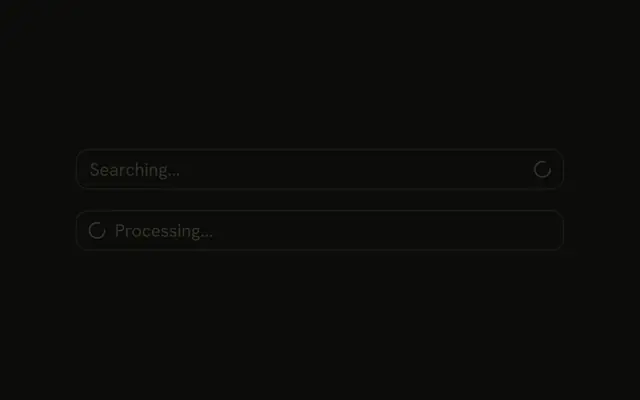
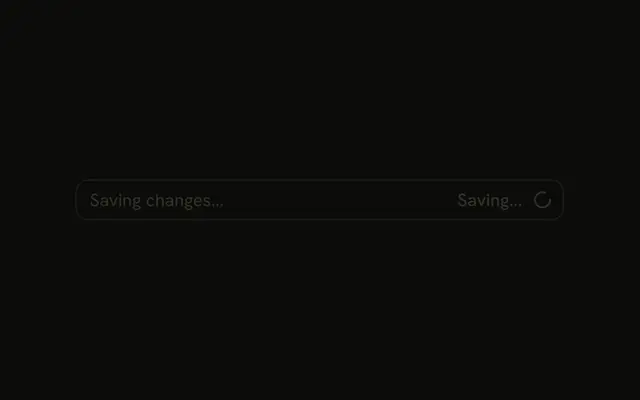
The input is disabled, and the placeholder says Refreshing data.... A loader spins at the start. Please wait... sits at the end. Nothing in the demo turns the spin off.
Use it while a value is refreshing and the field should not be edited. If the wait belongs to the page, put a Spinner next to the content. In React, Ark UI does not stop the spin when the data arrives.
Installation
Anatomy

Usage
<InputGroup className="w-full max-w-sm bg-background" data-disabled="true">
  <InputGroupInput
    aria-label="Data"
    disabled
    placeholder="Refreshing data..."
    type="text"
  />
  <InputGroupAddon>
    <LoaderIcon aria-hidden="true" className="animate-spin" />
  </InputGroupAddon>
  <InputGroupAddon align="inline-end">
    <InputGroupText className="text-muted-foreground">
      Please wait...
    </InputGroupText>
  </InputGroupAddon>
</InputGroup>
FAQ
What makes the icon spin?
animate-spin on the LoaderIcon. For a ready-made one, use the Spinner component, as in Loading States.
How is the field disabled?
disabled on InputGroupInput blocks typing. data-disabled="true" on InputGroup dims the addons.
Why is the loader at the start?
Its addon keeps the default inline-start align. Both addons are written after the input.
API Reference
Input Group
Sets data-disabled, aria-label="Data", disabled, placeholder="Refreshing data...", type="text" and align="inline-end". The rest is on the Input Group page.