shadcn.io is an independent project built on shadcn/ui
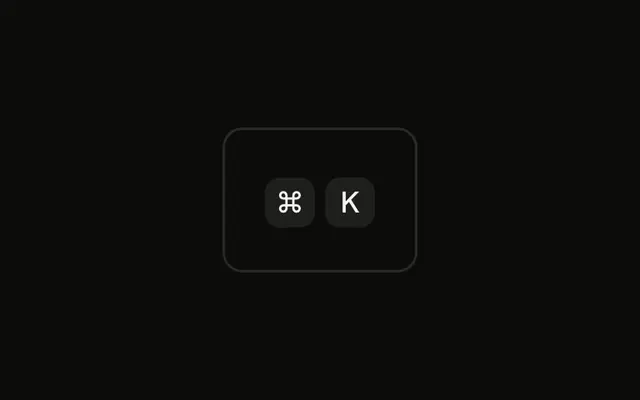
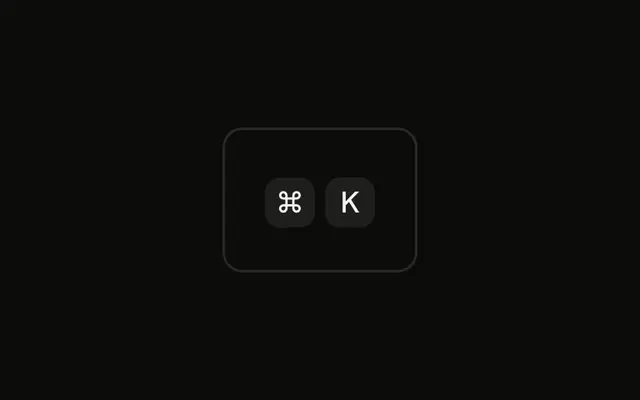
The group renders Ctrl and K first, so the server and the first client paint match. After mount, Apple devices replace Ctrl with ⌘. The keys are still not listened for.
Use this when one hint should match the keyboard in front of the reader, and handle both chords yourself. A Command can be what it opens. In React, Ark UI does not check the platform.
Installation
Anatomy

Usage
<div className="rounded-md border bg-background p-4">
  <KbdGroup>
    <Kbd>{isApple ? "⌘" : "Ctrl"}</Kbd>
    <Kbd>K</Kbd>
  </KbdGroup>
</div>
FAQ
How does the platform detection work?
After the component mounts, it tests navigator.userAgent against the pattern /Mac|iPhone|iPad|iPod/ and keeps the result in state. The first key shows ⌘ when it matches and Ctrl otherwise; the second is always K.
Why detect the platform after mounting?
A server render has no navigator, so the first render must not depend on it. Starting with Ctrl and switching after mount keeps the server HTML and the first client render the same; Mac users see Ctrl change to ⌘ right away.
What do other platforms see?
Windows, Linux, ChromeOS and Android all show Ctrl K, which is right for them: they use Ctrl for app shortcuts.
Is there a better way to detect the platform?
navigator.userAgentData.platform is cleaner where it exists, but not every browser has it, so the user agent is the fallback. The deprecated navigator.platform still works too. None is perfect: iPads can report a Mac user agent, which here gives the right answer.
API Reference
Kbd
No extra props in this demo. The rest is on the Kbd page.