shadcn.io is an independent project built on shadcn/ui
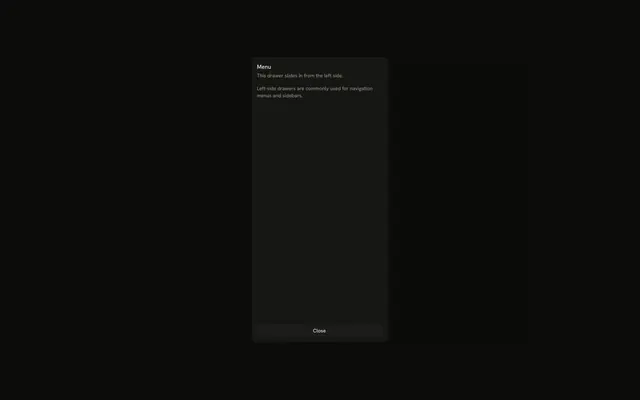
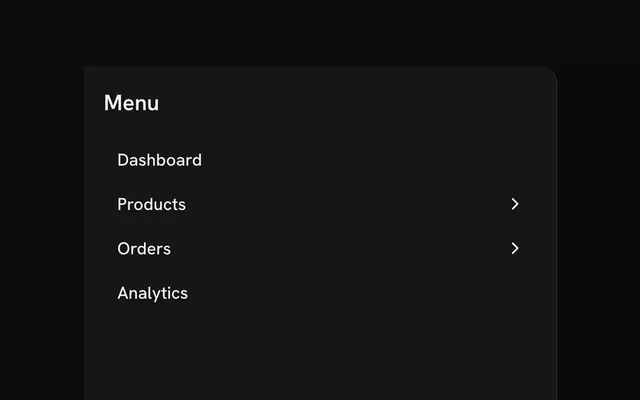
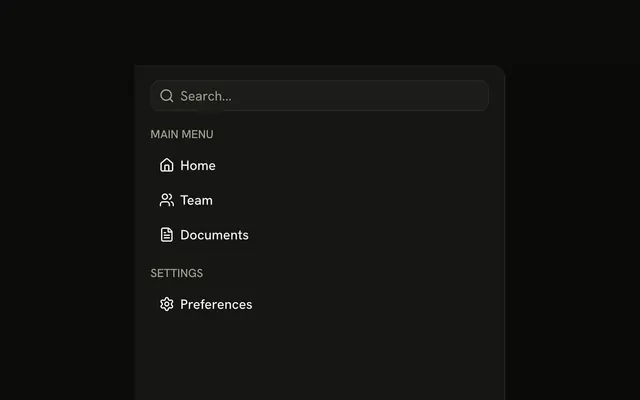
A menu button opens a left panel titled Navigation. Inside are Home, Team, Projects, Settings, and Help, each an icon with a label.
Use it for navigation on a phone. On a wide layout, keep the same links in a Sidebar. In React, Ark UI does not change the route.
Installation
Anatomy

Usage
<Drawer swipeDirection="left">
  <DrawerTrigger asChild>
    <Button aria-label="Open navigation" size="icon-md" variant="outline">
      <MenuIcon aria-hidden="true" />
    </Button>
  </DrawerTrigger>
  <DrawerContent showBar={false}>
    <div className="flex flex-col gap-4 p-4">
      <DrawerTitle className="font-semibold text-lg">Navigation</DrawerTitle>
      <nav aria-label="Main" className="flex flex-col gap-1">
        <Button className="justify-start" variant="ghost">
          <HomeIcon aria-hidden="true" data-icon="inline-start" />
          Home
        </Button>
        <Button className="justify-start" variant="ghost">
          <UsersIcon aria-hidden="true" data-icon="inline-start" />
          Team
        </Button>
        <Button className="justify-start" variant="ghost">
          <FileTextIcon aria-hidden="true" data-icon="inline-start" />
          Projects
        </Button>
        <Button className="justify-start" variant="ghost">
          <SettingsIcon aria-hidden="true" data-icon="inline-start" />
          Settings
        </Button>
        <Button className="justify-start" variant="ghost">
          <CircleHelpIcon aria-hidden="true" data-icon="inline-start" />
          Help
        </Button>
      </nav>
{/* The rest of the file is under Installation. */}
FAQ
Which items does the menu have?
Home, Team, Projects, Settings and Help, each a ghost Button with justify-start, an icon marked data-icon="inline-start" and its label.
How do I make the items links?
Render each Button as your router's link.
Give it asChild and put the link inside.
Where is the drawer's title?
Navigation, above the menu, is the DrawerTitle. DrawerTitle names the dialog for assistive tech, so every drawer renders one; give it sr-only when the design has no visible heading.
How does the drawer open from the left?
swipeDirection="left" on Drawer puts it on the left edge. The prop names the swipe that closes the drawer, so left docks it on the left; leave it out for a bottom drawer.
API Reference
Drawer
Sets swipeDirection="left", asChild and showBar={false}. The rest is on the Drawer page.
Button
Sets aria-label="Open navigation", size="icon-md", variant="outline" and variant="ghost". The rest is on the Button page.