shadcn.io is an independent project built on shadcn/ui
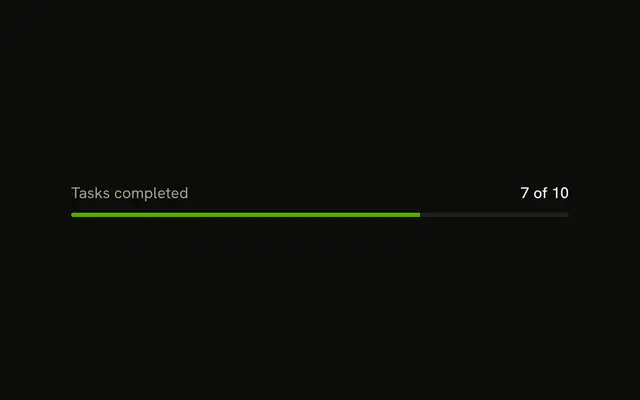
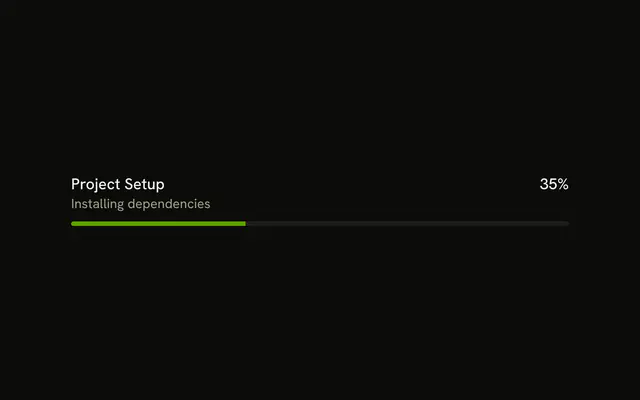
Progress sits at the start of the row and 65% at the end. The bar under that row is filled to 65 percent.
Show the number when people will ask how much is left. Drop it, and keep a Spinner, when the length of the task is unknown. In React, Ark UI does not time the upload.
Installation
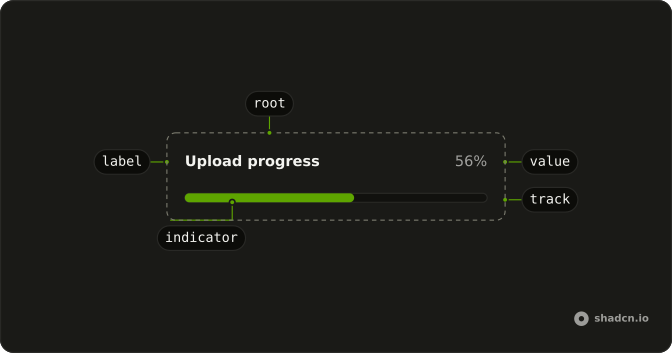
Anatomy
Usage
<Progress className="w-full max-w-md gap-2" value={65}>
  <ProgressLabel className="font-normal text-muted-foreground">
    Progress
  </ProgressLabel>
  <ProgressValue className="font-medium text-foreground" />
</Progress>
FAQ
How do the label and number sit above the bar?
ProgressLabel and ProgressValue are children of Progress. The value style has ml-auto, which pushes the number to the end of the row, and the full-width track wraps below. gap-2 is the space.
Where does 65% come from?
ProgressValue has no children, so it prints the value as a percent. Nothing in the demo writes 65% by hand.
What names the bar?
ProgressLabel is visible text: Ark UI puts the progressbar role on the track and names it with the value text, 65%.
How do I change the printed text?
Pass formatOptions to Progress to format the value, or give ProgressValue children of your own.
API Reference
Progress
Sets value={65}. The rest is on the Progress page.