shadcn.io is an independent project built on shadcn/ui
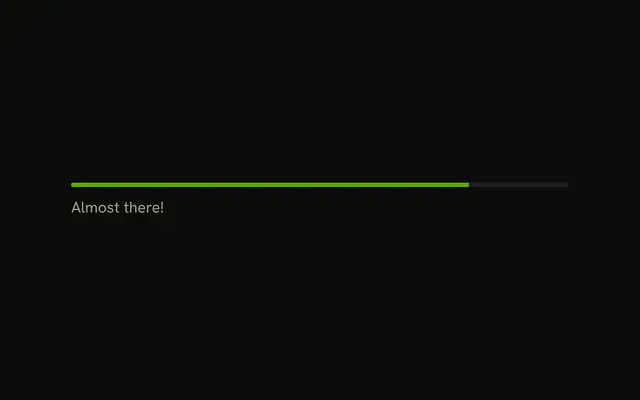
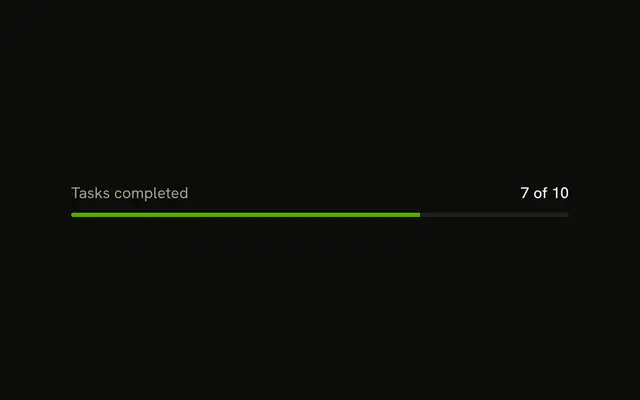
The words Uploading... sit above a bar at 45 percent. There is no percentage beside the label.
Name the task above the bar when the track alone would be unclear. Put the same words on a Button if the work is a single action with no meter. In React, Ark UI does not move the bar on its own.
Installation
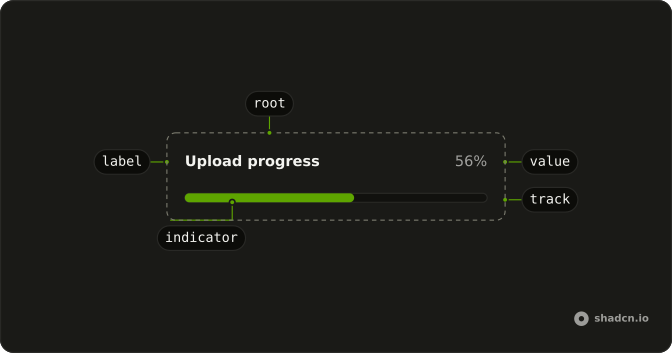
Anatomy
Usage
<Progress className="w-full max-w-md gap-2" value={45}>
  <ProgressLabel>Uploading...</ProgressLabel>
</Progress>
FAQ
How does the label sit above the bar?
ProgressLabel is a child of Progress, and the track renders after the children at full width, so it wraps onto the next line. gap-2 is the space between them.
What names the bar?
ProgressLabel is visible text: Ark UI puts the progressbar role on the track and names it with the value text, 45%.
How do I change the label?
Change the children of ProgressLabel. Its type style comes from the theme's progress styles; add a className to change it.
How do I show the percentage too?
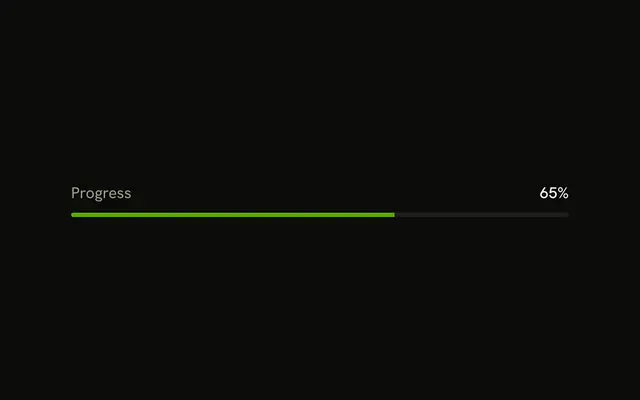
Add a ProgressValue after the label. It prints the value and sits at the end of the row, as With Percentage shows.
API Reference
Progress
Sets value={45}. The rest is on the Progress page.