shadcn.io is an independent project built on shadcn/ui
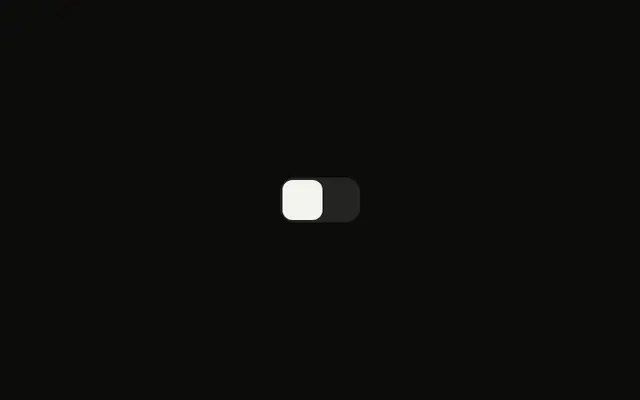
A moon icon, a square switch, and a sun icon sit in a row. The switch starts off. The icons never swap. The page theme stays as it is. Its accessible name is Light mode.
Wire the change to your theme code, and start the switch from the current theme so it matches on load. If a single press is clearer, use a Button. In React, Ark UI only reports the new on or off value.
Installation
Anatomy
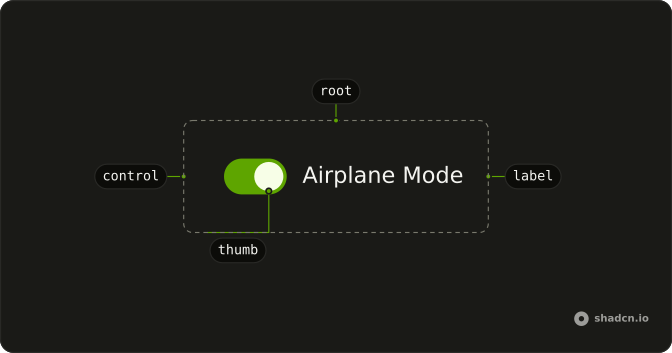
Usage
<div className="inline-flex items-center gap-2">
  <MoonIcon aria-hidden="true" className="size-4 text-muted-foreground" />
  <Switch
    aria-label="Light mode"
    checked={checked}
    className="h-5 w-9 rounded-sm **:data-[slot=switch-thumb]:size-4 **:data-[slot=switch-thumb]:rounded"
    onCheckedChange={handleCheckedChange}
  />
  <SunIcon aria-hidden="true" className="size-4" />
</div>
FAQ
Which icons sit beside the switch?
MoonIcon comes first with size-4 text-muted-foreground, then the Switch, then SunIcon with size-4. Both are decorative, with aria-hidden, in an inline-flex items-center gap-2 row.
How is this switch sized and squared?
The Switch sets h-5 w-9 rounded-sm for the track, and **:data-[slot=switch-thumb]:size-4 and **:data-[slot=switch-thumb]:rounded for the thumb.
Does it change the theme?
No. It only holds the state, starting off. Set the theme from the change handler, and start the switch from the current theme so it matches on load. The switch has aria-label (Light mode), since the icons are hidden from screen readers.
How do I control this switch in React?
This file keeps the state itself, starting off, and passes it back to the Switch.
Pass checked; onCheckedChange receives details.checked.
API Reference
Switch
Sets aria-label="Light mode", checked={checked} and onCheckedChange={handleCheckedChange}. The rest is on the Switch page.