shadcn.io is an independent project built on shadcn/ui
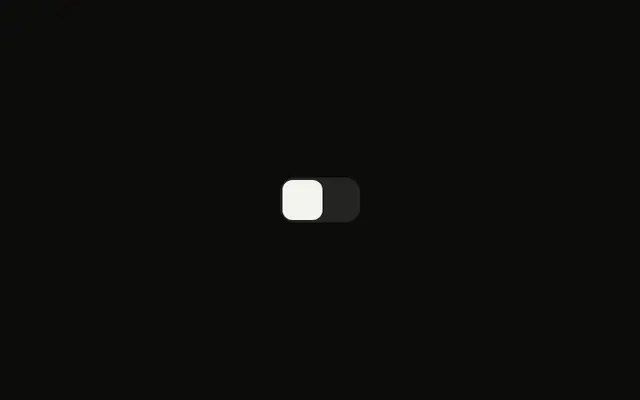
A square switch starts on, next to the label Enable notifications. The label and the switch are tied, so clicking the words toggles it.
Use a visible label for almost every setting. The square corners are only the shape. If the choice waits for a form submit, use a Checkbox. In React, Ark UI reads the label with the switch.
Installation
Anatomy
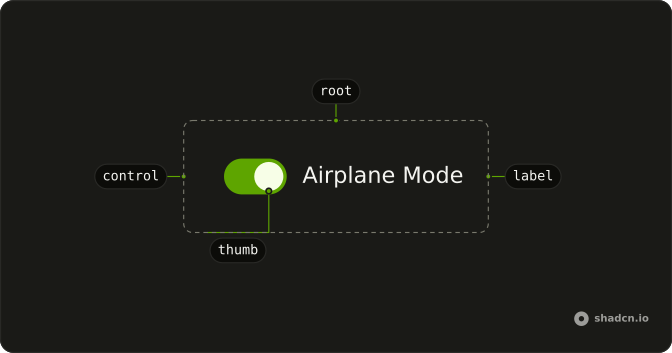
Usage
<Field className="w-fit" orientation="horizontal">
  <Switch
    className="rounded-sm **:data-[slot=switch-thumb]:rounded"
    defaultChecked
  />
  <FieldLabel>Enable notifications</FieldLabel>
</Field>
FAQ
How are the corners squared off?
The Switch sets rounded-sm for the track and **:data-[slot=switch-thumb]:rounded for the thumb. The thumb is the part with data-slot="switch-thumb", so the selector reaches it on every library.
Why does the text toggle the switch?
The Switch and a FieldLabel sit in a horizontal Field with w-fit.
The Field links the label to the switch, so this file sets no ids.
How do I control this switch in React?
The switch starts on through its default prop, which only sets the starting state; after that it keeps its own state. To control it, keep the on or off state in your own state and pass it back.
The prop is defaultChecked.
Pass checked; onCheckedChange receives details.checked.
How do I make this switch smaller?
Set size="sm". The default size is default. For a different track or thumb, edit those classes in the Switch file in your ui folder.
API Reference
Field
Sets orientation="horizontal". The rest is on the Field page.
Switch
Sets defaultChecked. The rest is on the Switch page.