shadcn.io is an independent project built on shadcn/ui
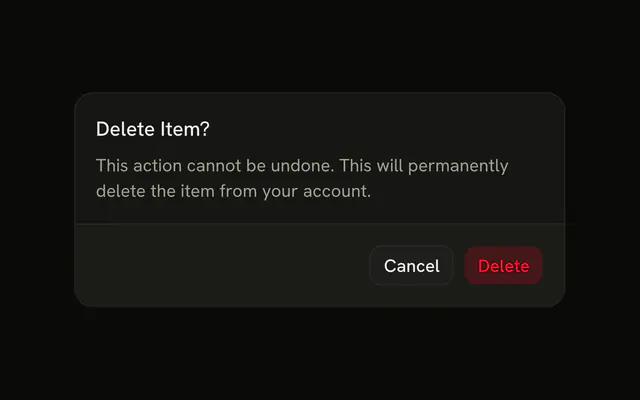
Destructive tints the button with the destructive color. The label still has to say what happens. The color is not a substitute for the words.
Use it for Delete or Remove. If it wipes an account or a lot of rows, confirm first in an Alert Dialog. In React, Base UI only changes the look. You still handle the click.
Installation
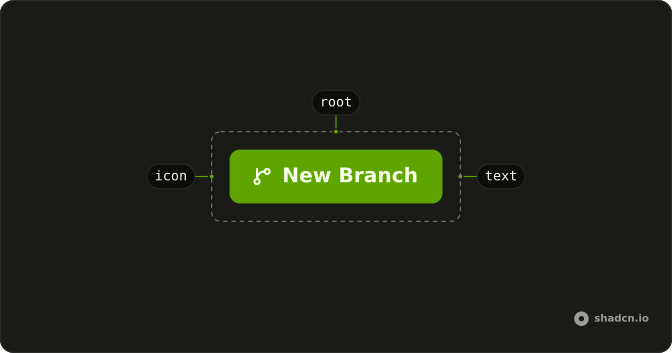
Anatomy
Usage
<Button variant="destructive">Button</Button>FAQ
What color is a destructive Button?
variant="destructive" uses the danger color as a light fill, with danger-colored text. Hover deepens the tint. It reads as a warning sitting next to a primary button.
When should I use the destructive variant?
For an action that removes something or can't be undone: Delete, Remove, Revoke. A normal Save stays on the default variant. One destructive button in a group is usually enough.
Should a delete ask before it runs?
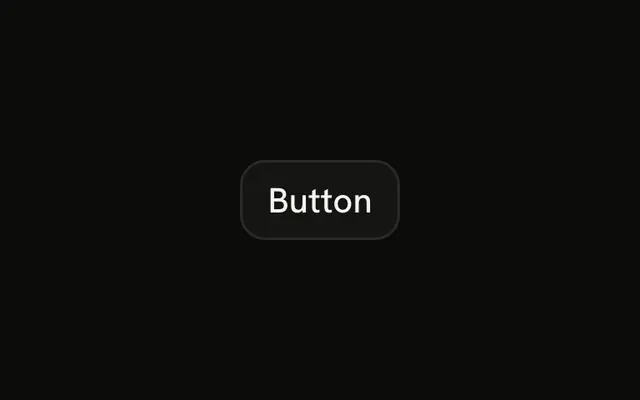
When it can't be undone, open an Alert Dialog from the click and put this variant on the confirm. The button in the demo only shows the color.
How do I change the label?
Replace Button with the action, and name the thing being removed when you know it. Delete selected is clearer than a bare Delete once a count is involved.
API Reference
Button
Sets variant="destructive". The rest is on the Button page.