shadcn.io is an independent project built on shadcn/ui
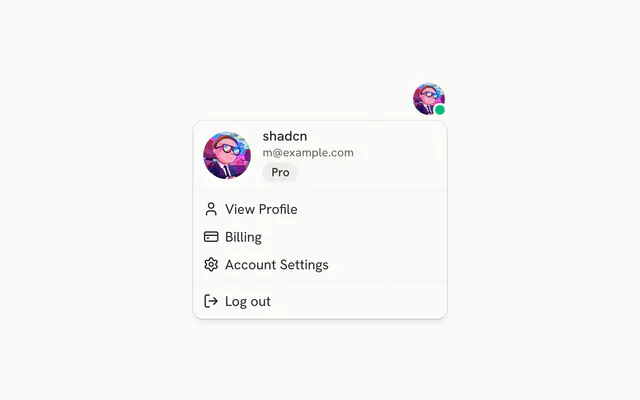
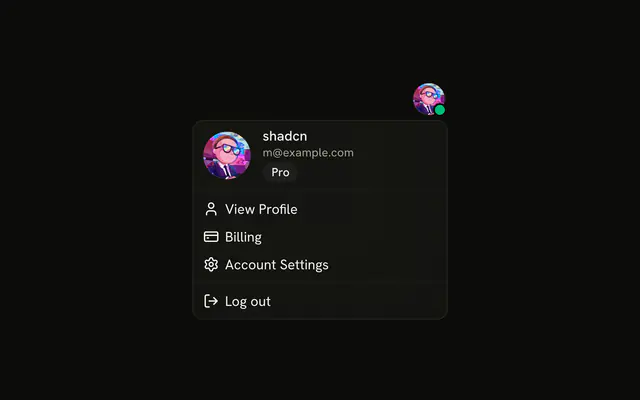
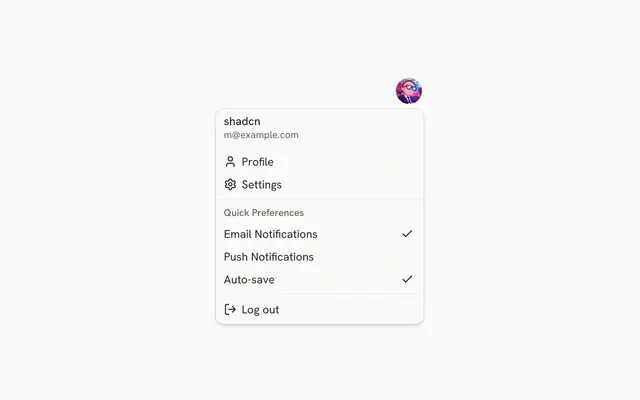
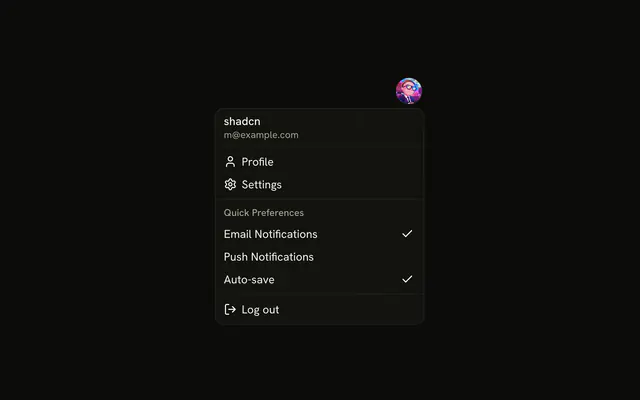
A round avatar button opens the user's name and email, then Profile, Settings, Help, and a destructive Log out.
Use it in a navbar when account commands should stay hidden until asked. Destructive only colors Log out. Confirm in an Alert Dialog before signing out. In React, Base UI does not end the session.
Installation
Anatomy

Usage
<DropdownMenu>
  <DropdownMenuTrigger
    render={
      <Button
        aria-label="Open account menu"
        pill
        size="icon-lg"
        variant="ghost"
      />
    }
  >
    <Avatar>
      <AvatarImage alt="@shadcn" src="https://github.com/shadcn.png" />
      <AvatarFallback>CN</AvatarFallback>
    </Avatar>
  </DropdownMenuTrigger>
  <DropdownMenuContent align="end" className="w-56">
    <DropdownMenuGroup>
      <DropdownMenuLabel className="font-normal">
        <div className="flex flex-col gap-1">
          <p className="font-medium text-foreground text-sm leading-none">
            shadcn
          </p>
          <p className="text-muted-foreground text-xs leading-none">
            m@example.com
          </p>
        </div>
      </DropdownMenuLabel>
      <DropdownMenuSeparator />
      <DropdownMenuItem>
        <UserIcon aria-hidden="true" />
{/* The rest of the file is under Installation. */}
FAQ
What is the profile button?
A ghost Button with pill and size="icon-lg" around the avatar, with aria-label set to Open account menu, since the picture alone has no name.
DropdownMenuTrigger renders the button through render, and the avatar goes inside the trigger.
What is at the top of the menu?
A DropdownMenuLabel with font-normal holding the name, shadcn, over m@example.com. It's the label of the first DropdownMenuGroup, so screen readers announce the group by it, and it can't be focused.
Which commands follow the header?
Profile, Settings and Help, each after an aria-hidden icon, then a separator and Log out. The menu is w-56 and lines up with the end of the button.
Does the destructive variant confirm Log out?
No. variant="destructive" only colors the row. Sign out, or open an Alert Dialog first, from its handler.
API Reference
Dropdown Menu
Sets align="end" and variant="destructive". The rest is on the Dropdown Menu page.
Button
Sets aria-label="Open account menu", pill, size="icon-lg" and variant="ghost". The rest is on the Button page.
Avatar
Sets alt="@shadcn" and src="https://github.com/shadcn.png". The rest is on the Avatar page.