shadcn.io is an independent project built on shadcn/ui
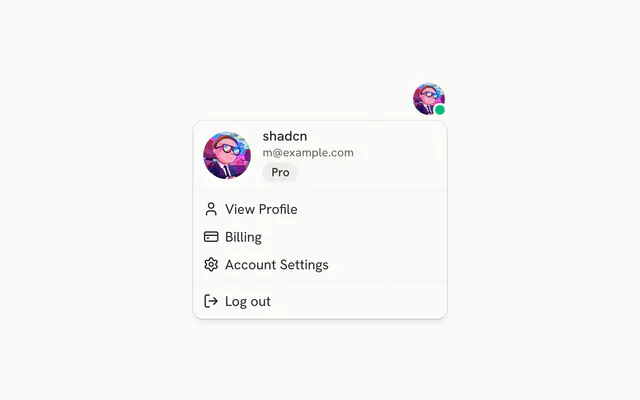
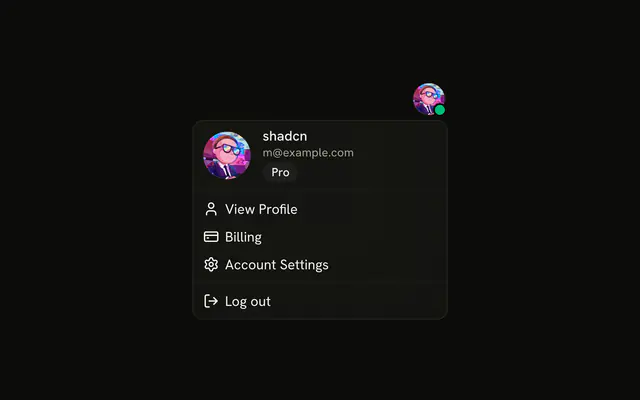
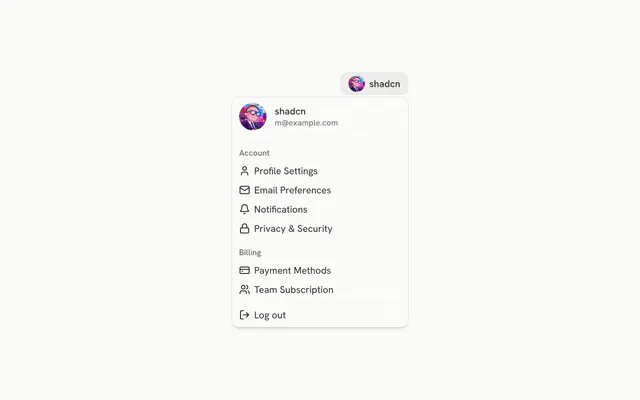
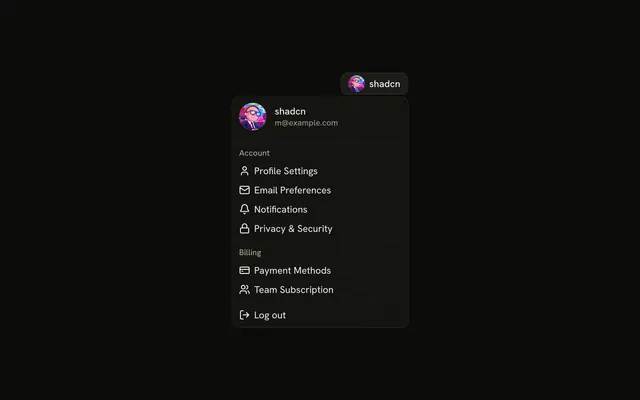
The avatar opens the name and email, Profile and Settings, three checkbox preferences, and a destructive Log out. The toggles are email, push, and auto-save.
Use it when a few settings are flipped often enough to sit in the account menu. Put rare ones on the page with a Switch. In React, Base UI does not save those ticks or sign the user out.
Installation
Anatomy

Usage
<DropdownMenu>
  <DropdownMenuTrigger
    render={
      <Button
        aria-label="Open account menu"
        pill
        size="icon-lg"
        variant="ghost"
      />
    }
  >
    <Avatar>
      <AvatarImage alt="@shadcn" src="https://github.com/shadcn.png" />
      <AvatarFallback>CN</AvatarFallback>
    </Avatar>
  </DropdownMenuTrigger>
  <DropdownMenuContent align="end" className="w-64">
    <DropdownMenuGroup>
      <DropdownMenuLabel className="font-normal">
        <div className="flex flex-col gap-1">
          <p className="font-medium text-foreground text-sm leading-none">
            shadcn
          </p>
          <p className="text-muted-foreground text-xs leading-none">
            m@example.com
          </p>
        </div>
      </DropdownMenuLabel>
      <DropdownMenuSeparator />
      <DropdownMenuItem>
        <UserIcon aria-hidden="true" />
{/* The rest of the file is under Installation. */}
FAQ
Which quick preferences start on?
Email Notifications and Auto-save start checked; Push Notifications starts off. Each row keeps its own state, so any of them can be on together.
Each DropdownMenuCheckboxItem takes checked and onCheckedChange, which receives a boolean.
What are the rows that are not checkboxes?
Profile and Settings, under the header, and Log out at the end with variant="destructive". They're plain items with an aria-hidden icon each.
What is the trigger?
A round ghost Button (pill, size="icon-lg") holding the user's Avatar, with aria-label set to Open account menu.
What is in the header, and where does the menu open?
A DropdownMenuLabel with the name, shadcn, over m@example.com. The menu is w-64 and lines up with the end of the avatar button, since the avatar usually sits at the end of a navbar.
API Reference
Dropdown Menu
Sets align="end", checked={emailNotifications}, onCheckedChange={setEmailNotifications}, checked={pushNotifications}, onCheckedChange={setPushNotifications} and checked={autoSave}. The rest is on the Dropdown Menu page.
Button
Sets aria-label="Open account menu", pill, size="icon-lg" and variant="ghost". The rest is on the Button page.
Avatar
Sets alt="@shadcn" and src="https://github.com/shadcn.png". The rest is on the Avatar page.