shadcn.io is an independent project built on shadcn/ui
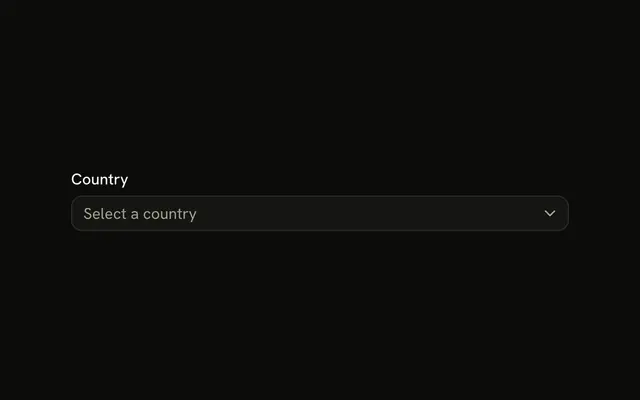
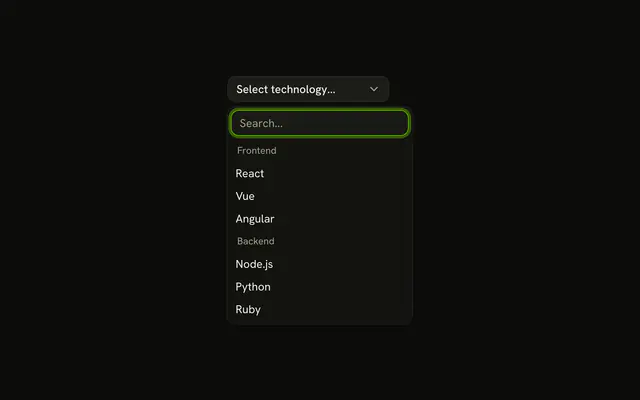
Timezone is the label. The menu says Select timezone. North America holds Eastern Time, Central Time, Mountain Time, and Pacific Time. Europe holds London, Central Europe, and Eastern Europe. Under the menu: Choose your local timezone.
Save it when headings make a long list easier to scan. Headings are not choices. Typing to filter belongs on a Combobox. Base UI on React does not guess the zone.
Installation
Anatomy

Usage
<Field className="max-w-md">
  <FieldLabel htmlFor="locale-timezone">Timezone</FieldLabel>
  <Select items={items}>
    <SelectTrigger className="w-full" id="locale-timezone">
      <SelectValue placeholder="Select timezone" />
    </SelectTrigger>
    <SelectContent>
      <SelectGroup>
        <SelectLabel>North America</SelectLabel>
        {northAmerica.map((item) => (
          <SelectItem key={item.value} value={item.value}>
            {item.label}
          </SelectItem>
        ))}
      </SelectGroup>
      <SelectGroup>
        <SelectLabel>Europe</SelectLabel>
        {europe.map((item) => (
          <SelectItem key={item.value} value={item.value}>
            {item.label}
          </SelectItem>
        ))}
      </SelectGroup>
    </SelectContent>
  </Select>
  <FieldDescription>Choose your local timezone.</FieldDescription>
</Field>
FAQ
How are the timezones split into regions?
Two SelectGroups divide the list. North America holds Eastern, Central, Mountain, and Pacific. Europe holds London, Central Europe, and Eastern Europe.
The region name is a SelectLabel inside the group.
What shows before a timezone is chosen?
The placeholder Select timezone shows until an item is selected. It's the placeholder on SelectValue.
Where is the helper text?
FieldDescription comes after the Select and reads Choose your local timezone. FieldLabel above the select is Timezone.
How does the Timezone label connect?
FieldLabel names the select. Its htmlFor matches the SelectTrigger's id. The group headings organize the items under that label.
API Reference
Field
Sets htmlFor="locale-timezone". The rest is on the Field page.
Select
Sets items={items}, id="locale-timezone", placeholder="Select timezone" and value={item.value}. The rest is on the Select page.