shadcn.io is an independent project built on shadcn/ui
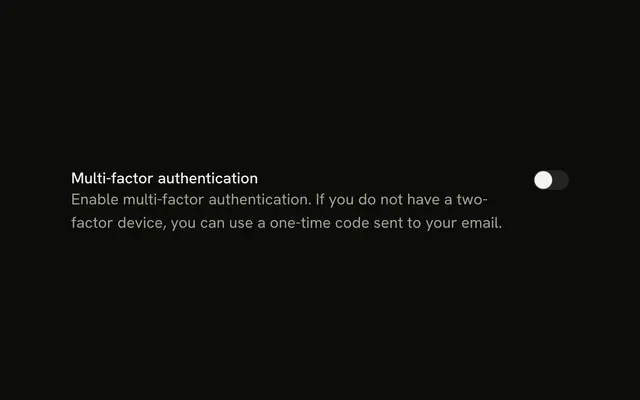
Airplane Mode and the switch share one row, label first. The switch starts off. There is no sentence under the label.
It fits an on or off setting that applies right away. A choice saved only when the form is submitted is a Checkbox. Base UI on React does not turn on airplane mode.
Installation
Anatomy

Usage
<Field className="max-w-md" orientation="horizontal">
  <FieldLabel htmlFor="airplane-mode">Airplane Mode</FieldLabel>
  <Switch id="airplane-mode" />
</Field>
FAQ
How do the label and the switch share a row?
orientation is horizontal. FieldLabel comes first, then Switch, so Airplane Mode and the switch sit on one line.
How does Airplane Mode connect to the switch?
FieldLabel names the switch. Its htmlFor matches the control's id. max-w-md caps the row.
Does the switch start on?
This switch does not pass a checked default, so it starts off. The label stays beside it either way.
How do I add an explanation under the label?
Put the FieldLabel and a FieldDescription in FieldContent, and keep the Switch as the other child of the horizontal Field.
API Reference
Field
Sets orientation="horizontal" and htmlFor="airplane-mode". The rest is on the Field page.
Switch
Sets id="airplane-mode". The rest is on the Switch page.