shadcn.io is an independent project built on shadcn/ui
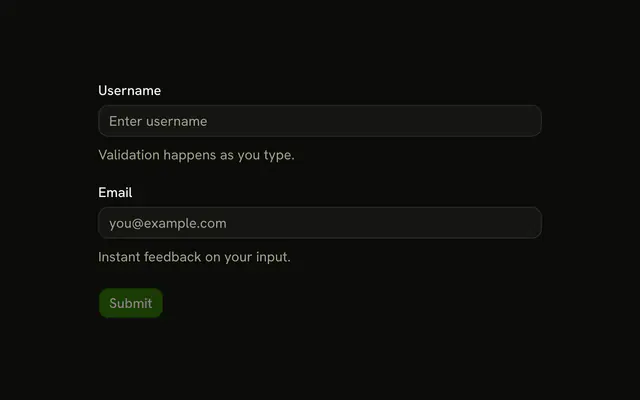
Email and Confirm Email both have to be real addresses. If they differ, Confirm Email shows Emails don't match. Continue waits until both pass.
Use it when a mistyped address would lock someone out. One address, with no confirmation, is a single Input. In React, Base UI does not compare the two fields.
Installation
Usage
<form
  className="w-full max-w-md"
  noValidate
  onSubmit={form.handleSubmit(onSubmit)}
>
  <FieldGroup>
    <Controller
      control={form.control}
      name="email"
      render={({ field, fieldState }) => (
        <Field invalid={fieldState.invalid}>
          <FieldLabel htmlFor="form-email-validation-email">
            Email
          </FieldLabel>
          <Input
            {...field}
            id="form-email-validation-email"
            placeholder="you@example.com"
            type="email"
          />
          <FieldDescription>Enter your email address.</FieldDescription>
          <FieldError>{fieldState.error?.message}</FieldError>
        </Field>
      )}
    />
    <Controller
      control={form.control}
      name="confirmEmail"
      render={({ field, fieldState }) => (
        <Field invalid={fieldState.invalid}>
          <FieldLabel htmlFor="form-email-validation-confirm-email">
{/* The rest of the file is under Installation. */}
FAQ
How does the confirm-email check work?
The object's refine checks data.email === data.confirmEmail. When they differ it fails with "Emails don't match" on path: ["confirmEmail"], so the message shows in the confirm field's FieldError.
What does each field check before the match?
email is .min(1, "Email is required") piped into z.email("Please enter a valid email address"). confirmEmail is .min(1, "Please confirm your email") piped into the same z.email. An empty field shows the required message, not the format one.
Does the match ignore case?
No. The refine uses ===, so You@example.com and you@example.com don't match, and Confirm Email shows "Emails don't match".
How are the two inputs set up?
Both are Inputs with type="email" and placeholder you@example.com, with field spread onto them. defaultValues sets both to "", and the form's noValidate lets the Zod messages show instead of the browser's.
API Reference
Field
Sets invalid={fieldState.invalid}, htmlFor="form-email-validation-email", htmlFor="form-email-validation-confirm-email" and orientation="horizontal". The rest is on the Field page.
Input
Sets field, id="form-email-validation-email", placeholder="you@example.com", type="email" and id="form-email-validation-confirm-email". The rest is on the Input page.
Button
Sets type="submit". The rest is on the Button page.