shadcn.io is an independent project built on shadcn/ui
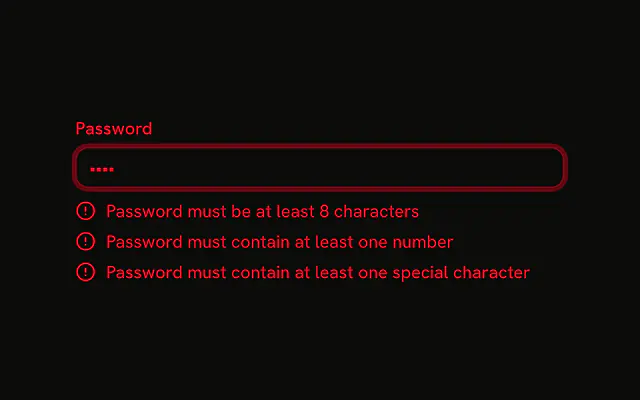
Create Password starts empty. Under it, four rules each show an X: 8 characters, a number, an uppercase letter, and a special character. A met rule turns green and gains a check.
Use it while people create a password, so submit is not the first time they see a rule. If you only list failures, put those on the Field. In React, Base UI does not know these rules.
Installation
Anatomy
Usage
<li
  className={cn(
    "flex items-center gap-2 text-sm",
    valid ? "text-success" : "text-muted-foreground"
  )}
  key={rule.text}
>
  {valid ? (
    <CircleCheckIcon aria-hidden="true" className="size-4" />
  ) : (
    <XIcon aria-hidden="true" className="size-4" />
  )}
  {rule.text}
</li>
FAQ
How are the rules checked?
Each rule is a test function in a static list at the top of the file: a length check and three regular expressions. On every render, each rule is tested against the password in state.
How does a rule change when it's met?
Its row switches from text-muted-foreground with an XIcon to text-success with a CircleCheckIcon. The color and the icon change together, so it doesn't rely on color alone.
Where does the password live?
In state, written on every keystroke, so the checklist updates as people type.
How is the checklist marked up?
As a list, one item per rule, so screen readers announce how many rules there are. The icons have aria-hidden.