shadcn.io is an independent project built on shadcn/ui
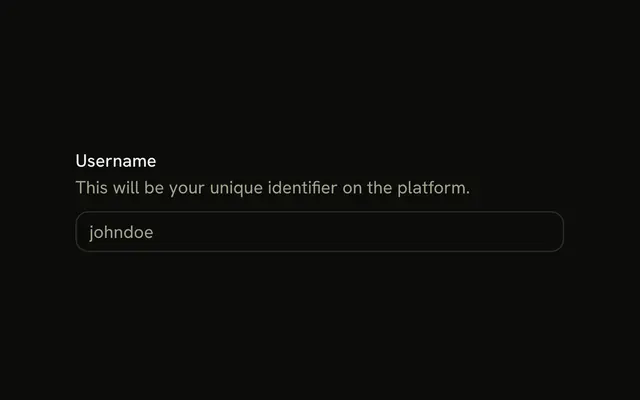
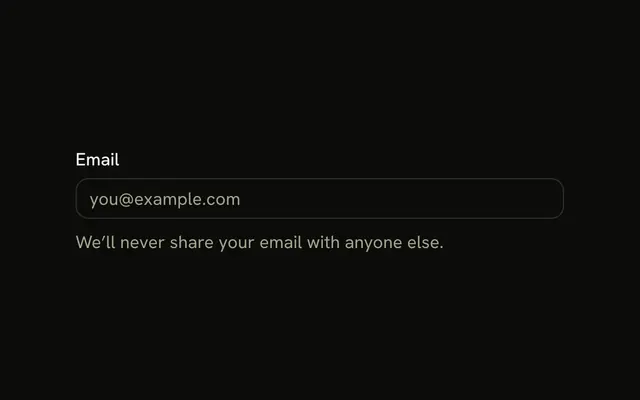
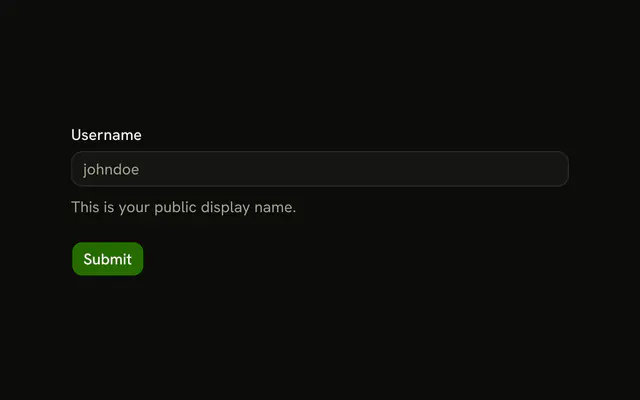
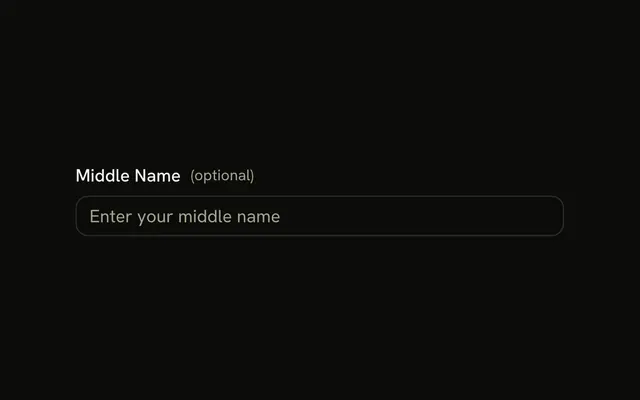
A Name label above a text field. The placeholder is Enter your name. There is no description, no icon, and no error.
Start here for almost any short text value. A placeholder alone is not a name for the field. Add a hint or an error on the Field when Name is not enough. In React, Base UI connects the label to the input.
Installation
Anatomy
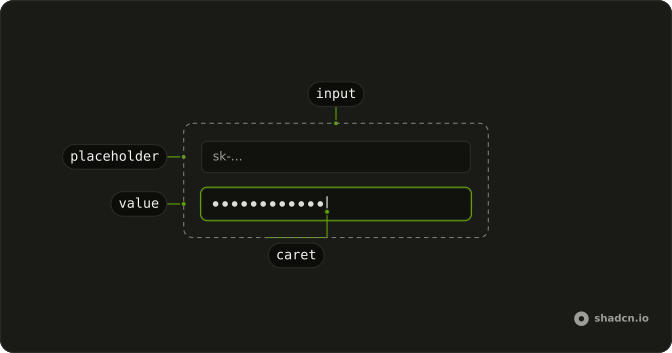
Usage
<Field className="w-full max-w-sm">
  <FieldLabel htmlFor="label-name">Name</FieldLabel>
  <Input
    className="bg-background"
    id="label-name"
    placeholder="Enter your name"
    type="text"
  />
</Field>
FAQ
How is the field built?
Field stacks its children vertically with a gap: FieldLabel first, then the Input. w-full max-w-sm sets the width.
How is the label tied to the input?
Clicking the label focuses the field, and screen readers announce it with the field.
FieldLabel sets htmlFor to label-name, the input's id.
Why not use only a placeholder?
A placeholder disappears as soon as people type, isn't a reliable accessible name, and is low contrast. Keep the label; use the placeholder, Enter your name, only as a hint.
API Reference
Field
Sets htmlFor="label-name". The rest is on the Field page.
Input
Sets id="label-name", placeholder="Enter your name" and type="text". The rest is on the Input page.