shadcn.io is an independent project built on shadcn/ui
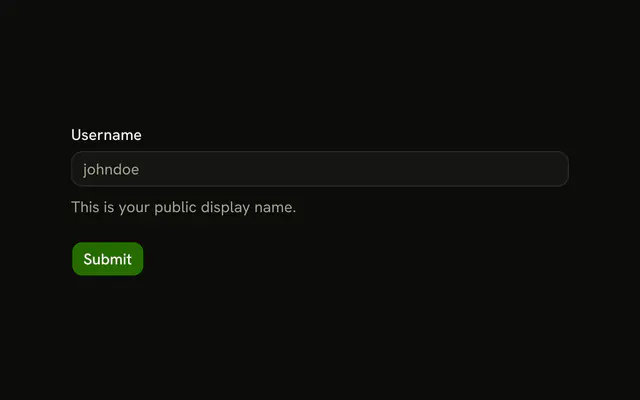
Username, then a line that this will be your unique identifier on the platform, then the field. The placeholder is johndoe. The note sits above the input.
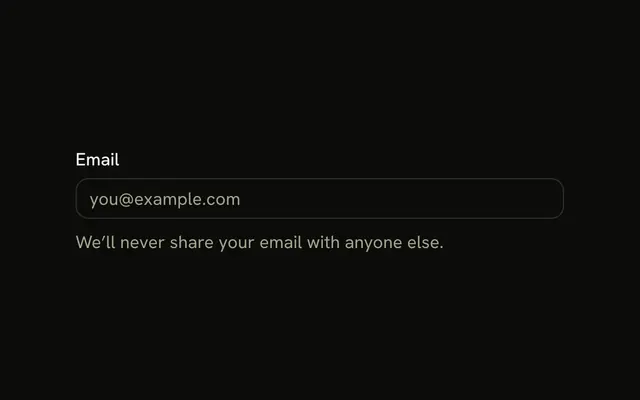
Use it when people need the rule before they type. A note they only need while filling, such as a privacy line, can sit under the Field. In React, Base UI does not move that sentence.
Installation
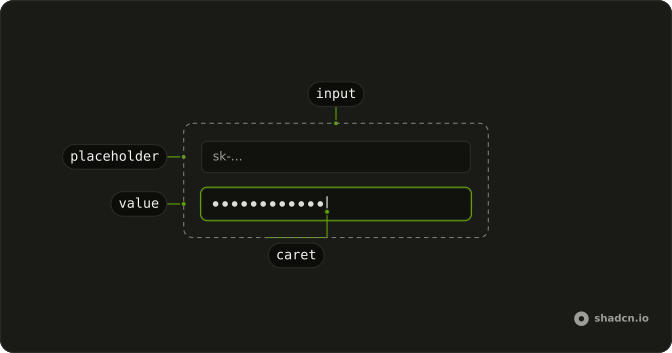
Anatomy
Usage
<Field className="w-full max-w-sm">
  <FieldLabel htmlFor="description-username">Username</FieldLabel>
  <FieldDescription>
    This will be your unique identifier on the platform.
  </FieldDescription>
  <Input
    className="bg-background"
    id="description-username"
    placeholder="johndoe"
    type="text"
  />
</Field>
FAQ
Why is the description above the input?
So it's read before typing. Put guidance that shapes the answer, such as what a username is for, above the field; put reassurance or format hints below it, as the Helper Text example does.
What is FieldDescription?
Muted, smaller text for a field's explanation. It tightens its spacing next to the label, so the label and the description read as one block above the input.
What kind of input is it?
A type text input with the placeholder johndoe, at the field's full width up to max-w-sm.
Do screen readers read the description?
They reach it in reading order, between the label and the input. To have it read when the input gets focus, give it an id and set aria-describedby on the input to it.
API Reference
Field
Sets htmlFor="description-username". The rest is on the Field page.
Input
Sets id="description-username", placeholder="johndoe" and type="text". The rest is on the Input page.