shadcn.io is an independent project built on shadcn/ui
Bio sits at the start of a row. At the other end, muted text reads 0/500.
Show a count beside the label for a short field with a limit, such as a bio. Put the count under a Textarea when the field is tall. On React, Base UI does not count the characters.
Installation
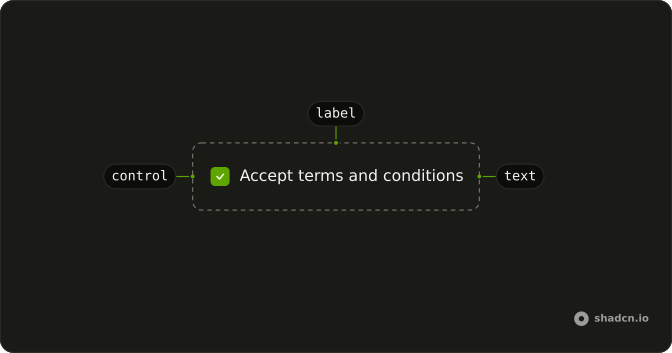
Anatomy
Usage
<div className="flex items-center justify-between gap-2">
  <Label>Bio</Label>
  <span className="text-muted-foreground text-xs">0/500</span>
</div>
FAQ
Does 0/500 update as someone types?
No. It is a static span whose text is 0/500. The file has no input and no state. Keep the field's length in state and render that number if the count should follow typing.
How is the count aligned with Bio?
A row with flex items-center justify-between gap-2. Label is one child and the span is the other, so the count sits at the far end of the row.
How is the count styled?
text-muted-foreground text-xs on the span. The label keeps the default medium caption. The span is not inside the Label.
What format is the number in?
The literal string 0/500: a count, a slash, then the limit. Nothing in the file changes that wording.
API Reference
Label
No extra props in this demo. The rest is on the Label page.