shadcn.io is an independent project built on shadcn/ui
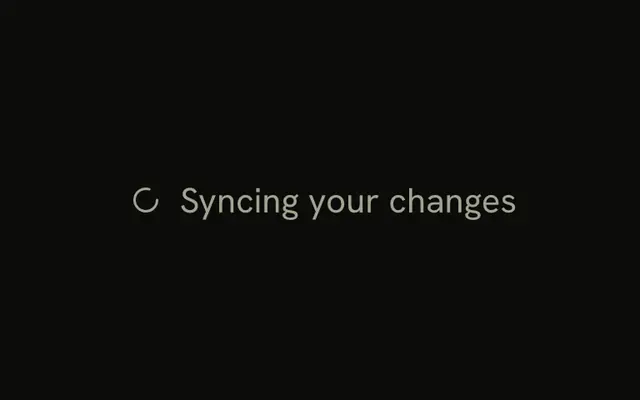
One spinner is on screen at the default size, colored like muted text. It does not use the primary color. The file does not start a request.
Use the muted color for syncing, draft saves, and other work that should not pull the eye. A placeholder layout can be a Skeleton instead. In React, Base UI still exposes it as Loading.
Installation
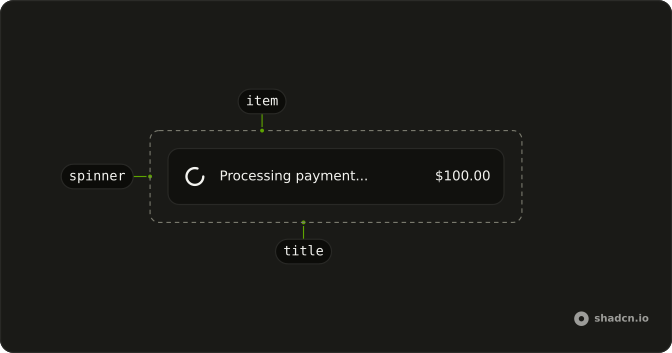
Anatomy
Usage
<Spinner className="text-muted-foreground" />FAQ
How is this spinner muted?
Pass text-muted-foreground on Spinner. The icon draws with currentColor, so that text class is the color. This file changes nothing else.
What size is the muted spinner?
It stays at the default size-4 (16px). Add size-3 or size-8 on the same element when the wheel should be smaller or larger. Color and size are both classes.
Does the muted color follow light and dark mode?
Yes. text-muted-foreground reads the theme token, the same one captions and secondary labels use. You do not set a separate color for dark mode.
Can the parent set the muted color instead?
Yes. A text class on the parent tints the spinner, because the stroke is currentColor. This file puts text-muted-foreground on the Spinner itself, so the color stays even if the parent is a different color.
API Reference
Spinner
No extra props in this demo. The rest is on the Spinner page.