shadcn.io is an independent project built on shadcn/ui
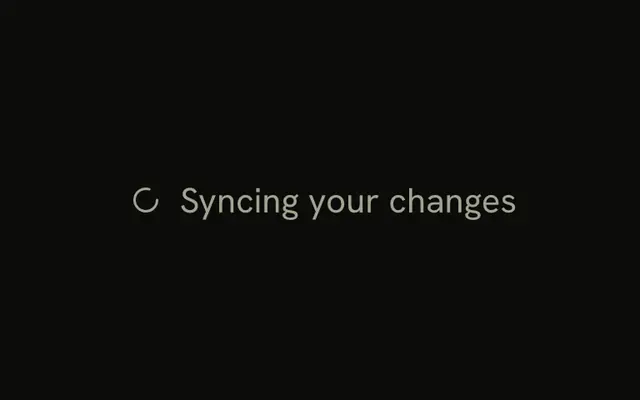
One spinner is on screen at 12px. It is smaller than the default 16px wheel. The file does not start a request.
Use the small size beside captions, auto-save notes, and toolbar status. A page-level wait wants the large size. If you know the fraction, use Progress. In React, Base UI keeps role status and the label Loading.
Installation
Anatomy
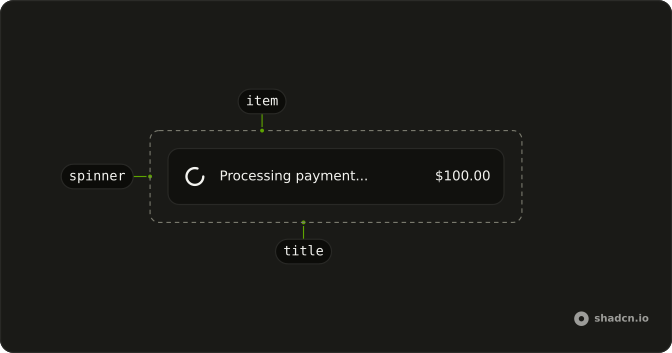
Usage
<Spinner className="size-3" />FAQ
How does this spinner become 12px?
Spinner defaults to size-4 (16px). This file passes size-3, which sets the width and height to 12px. Size is that class.
What color is the small spinner?
The stroke is currentColor, so it takes the text color around it. This file sets only the size. Add text-muted-foreground or text-primary on the same Spinner when the color should change too.
What text size sits next to a size-3 spinner?
text-sm or text-xs lines up with a 12px icon. Put both in a flex row with items-center and gap-2, and keep the spinner at size-3.
API Reference
Spinner
No extra props in this demo. The rest is on the Spinner page.