shadcn.io is an independent project built on shadcn/ui
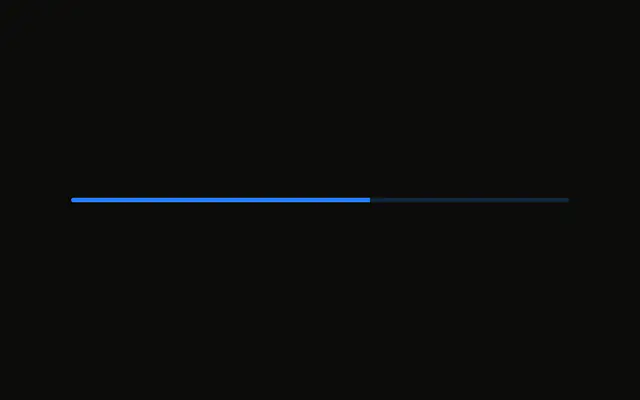
A bar at 65 percent. The fill fades from the info color to the primary color along the bar. The track is otherwise unchanged, and no label is shown.
Use the fade when a flat fill feels too plain for a featured meter. Keep a solid color, or a Circular Progress, when the bar must match the rest of the UI. In React, Base UI shows only the value you pass.
Installation
Anatomy
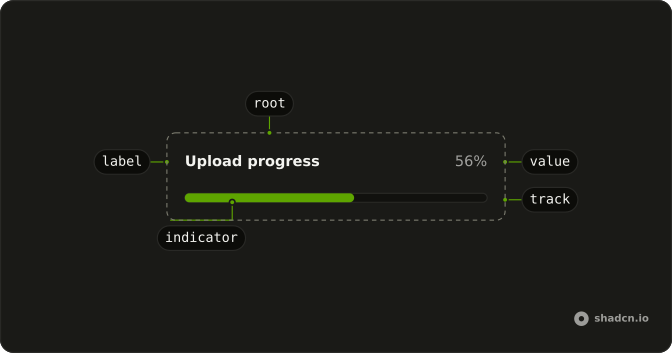
Usage
<Progress
  aria-label="Upload progress"
  className="w-full max-w-md **:data-[slot=progress-indicator]:bg-linear-to-r **:data-[slot=progress-indicator]:from-info **:data-[slot=progress-indicator]:to-primary"
  value={65}
/>
FAQ
How does the fill become a gradient?
With classes on Progress that reach the fill: **:data-[slot=progress-indicator]:bg-linear-to-r, from-info and to-primary under the same selector. The track is untouched.
How do I change the colors?
Swap from-info and to-primary for other theme colors. Theme colors follow light and dark mode; palette classes like from-blue-500 don't.
Does the gradient flip in right-to-left layouts?
No. bg-linear-to-r always runs left to right. Use bg-linear-to-l under rtl: if the blend should follow the reading direction.
Does the gradient stretch with the value?
The gradient spans the fill, so at 65 it runs across 65 percent of the track and changes as the fill grows.
API Reference
Progress
Sets aria-label="Upload progress" and value={65}. The rest is on the Progress page.