shadcn.io is an independent project built on shadcn/ui
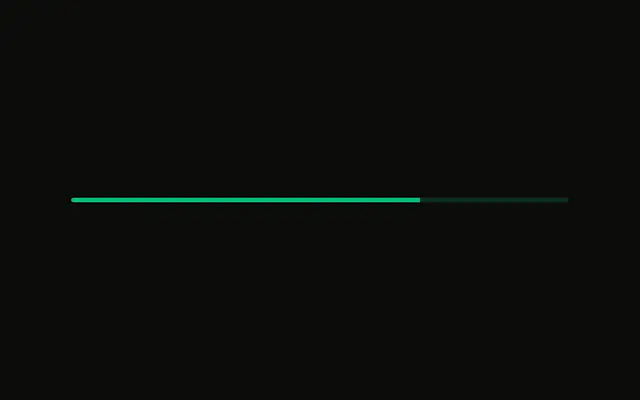
A bar at 60 percent. The fill is the info color, and the track is a lighter tint of it. No label is shown.
Use the info color for routine background work, so it does not look like an error or a success. A Spinner fits the same work when you cannot measure it. In React, Base UI does not move the bar on its own.
Installation
Anatomy
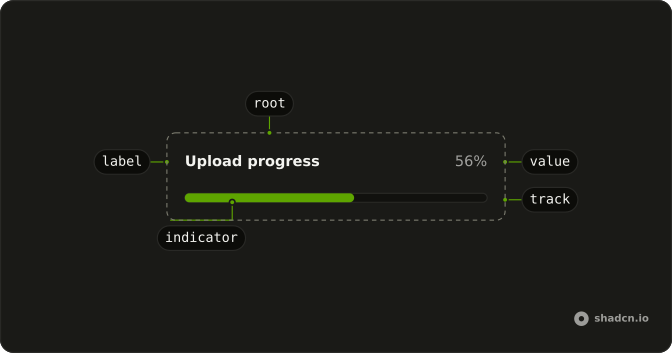
Usage
<Progress
  aria-label="Sync progress"
  className="w-full max-w-md **:data-[slot=progress-indicator]:bg-info *:data-[slot=progress-track]:bg-info/20"
  value={60}
/>
FAQ
How is the bar colored?
With classes on Progress, since it has no color prop. **:data-[slot=progress-indicator]:bg-info colors the fill, which sits inside the track.
*:data-[slot=progress-track]:bg-info/20 tints the track.
Why the info token and not a palette color?
info is a theme color, so it follows light and dark mode and any theme you switch to. A class like bg-green-500 stays the same everywhere.
Does 60 pick the color?
No. value only sets the amount; the color classes apply at any value. Change them yourself when the state changes, such as when an upload fails.
What is the accessible name?
aria-label on Progress, Sync progress. The demo has no visible label, so without it a screen reader would announce a bar with no name.
API Reference
Progress
Sets aria-label="Sync progress" and value={60}. The rest is on the Progress page.