shadcn.io is an independent project built on shadcn/ui
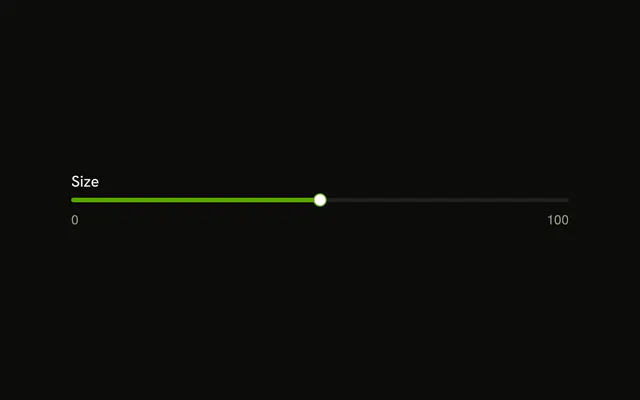
One track and one thumb, and nothing else. It starts at 50, with no label and no readout on the page.
Use it in a row that already names the setting. Add a Label when the slider stands on its own. In React, Base UI keeps this value inside the slider.
Installation
Sign in to get your install command
Free with an account. It carries your token, so the CLI installs everything in one go.
Use email insteadNo credit card
Anatomy

Usage
<div className="w-full max-w-md">
  <Slider aria-label="Value" defaultValue={[50]} />
</div>
FAQ
Where does the value live?
Inside the slider. It starts at 50 from defaultValue, and nothing outside reads it. Make it controlled when something else needs the number.
How is it named without a label?
With aria-label set to Value, so screen readers still announce something. Use a word that says what it sets, such as Volume.
On Base UI, aria-label is one string on the slider.
API Reference
Slider
Sets aria-label="Value" and defaultValue={[50]}. The rest is on the Slider page.