shadcn.io is an independent project built on shadcn/ui
Secondary fill, a mail icon, then the label. The icon does not replace the words.
Use it beside a primary button, for something like Invite or Share. If it is the action you want pressed, use the default Button. In Solid, Ark UI treats a hidden icon as decoration.
Installation
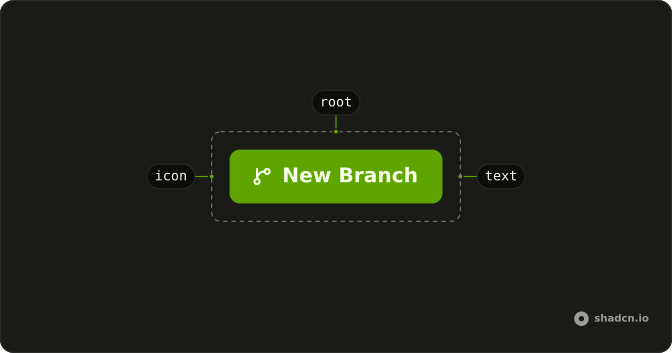
Anatomy
Usage
<Button variant="secondary">
    <MailIcon aria-hidden="true" data-icon="inline-start" />
    Button
  </Button>
FAQ
Why is the icon before the label?
On this secondary button the mail icon leads, with data-icon="inline-start". That padding flips in a right-to-left layout. The secondary fill is the quiet weight, and the icon inherits its text color.
How do I use a different icon?
Swap the component. MailIcon is a placeholder from lucide-react. Keep data-icon="inline-start" and aria-hidden="true" when the label already says what the button does.
Will a screen reader announce the icon?
No. aria-hidden="true" takes it out, and the label is the accessible name. Drop the label only if you add an aria-label on the button. An icon with no name is an unlabeled control.
How big is the icon?
You don't pass a numeric size. The button styles an svg that has no size-* class, and these demos leave that alone. Add className="size-4" on the icon only when you need to override it.
API Reference
Button
Sets variant="secondary". The rest is on the Button page.