shadcn.io is an independent project built on shadcn/ui
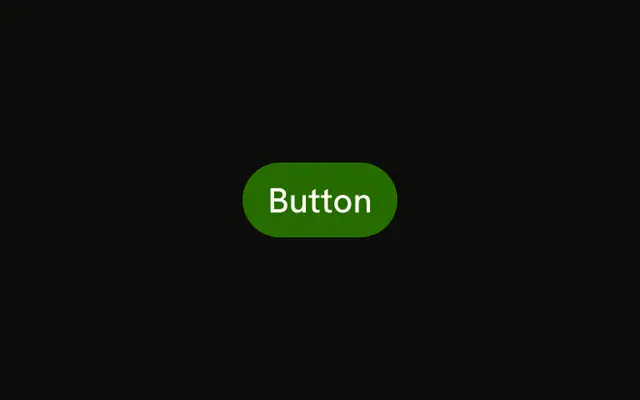
Primary fill, the label, then an arrow. People read the word and get a nudge that something follows.
Use it for Continue, Next, or Review. If the click stays here and nothing comes after, drop the arrow. A Button with only the word is enough. In Solid, Ark UI keeps the icon out of the accessible name.
Installation
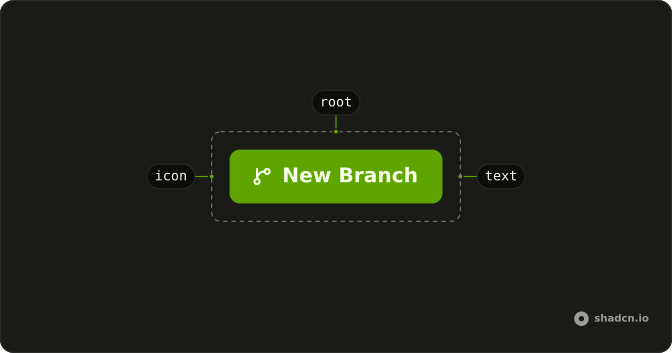
Anatomy
Usage
<Button>
    Button
    <ArrowRightIcon aria-hidden="true" data-icon="inline-end" />
  </Button>
FAQ
Why is the arrow after the label?
ArrowRightIcon is the last child, with data-icon="inline-end". The button pads for an icon on that side, and the arrow moves to the other side when the direction is right to left. It's aria-hidden="true" because the label is the name.
Does the arrow mean this navigates?
No. The arrow is decorative. The control is still a button with type="button", so it doesn't open a URL and it doesn't submit a form unless you pass type="submit".
How do I use a different icon?
Replace ArrowRightIcon and keep data-icon="inline-end" if it should stay after the label. Use inline-start if it should lead. Leave aria-hidden="true" on while the text is enough.
Which button is this?
The default variant: primary fill, primary text, arrow after the label. Use it for the main forward step, such as Continue.
API Reference
Button
No extra props in this demo. The rest is on the Button page.