shadcn.io is an independent project built on shadcn/ui
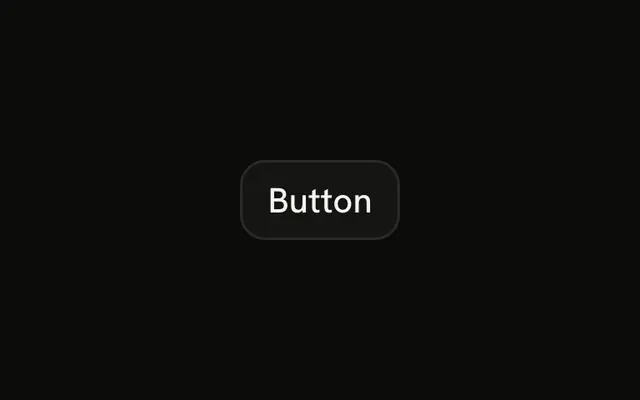
Solid background, text that contrasts with it. You get this when you do not pass a variant.
Use it for Save, Send, or Continue, and keep one of those per section. If the control should stay pressed, a Toggle fits better. In Solid, Ark UI renders a real button, and the default type does not submit the form.
Installation
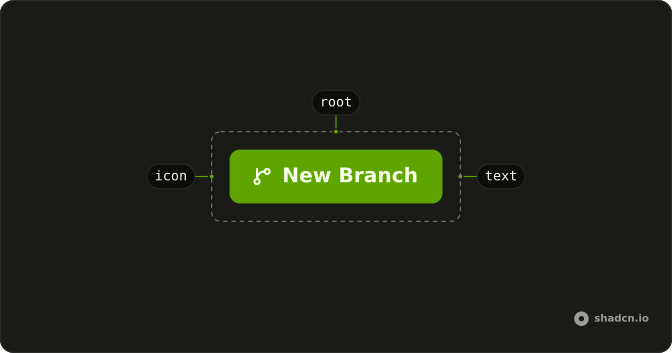
Anatomy
Usage
<Button>Button</Button>FAQ
What does this Button look like?
variant is left off, so it uses default: the primary fill and primary-colored text. Hover lightens the fill. This is the action you want people to find first.
How do I change the label?
The children are the label. The demo says Button so the fill is easy to see. Use Save, Send, or whatever the click actually does.
Why doesn't this Button submit my form?
type is button by default, so a click never submits by accident. Pass type="submit" on the one button that should send the form.
How do I add a quieter button beside it?
Give the other action variant="secondary" or variant="outline". One primary fill in the row is enough. A second one makes both harder to pick.
API Reference
Button
No extra props in this demo. The rest is on the Button page.