shadcn.io is an independent project built on shadcn/ui
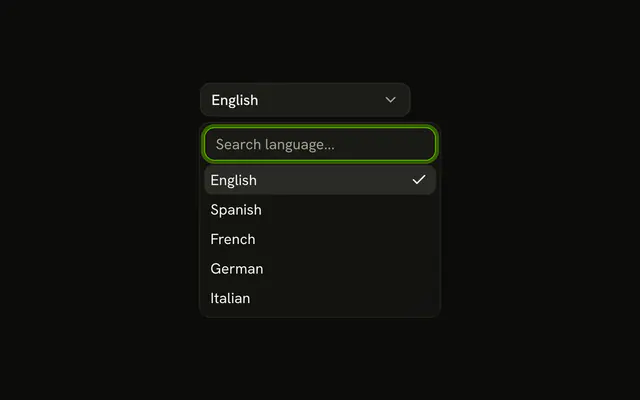
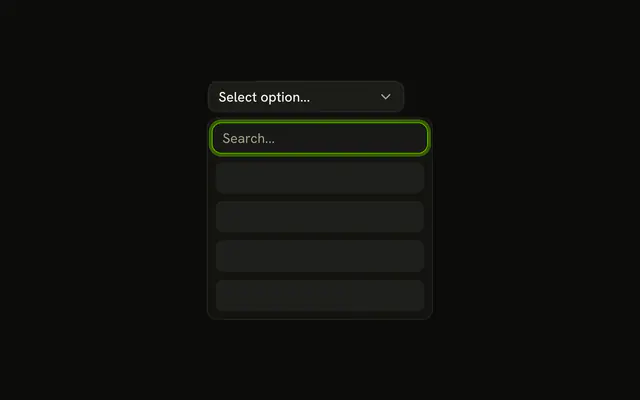
An outline button says Select framework... The list holds Next.js, SvelteKit, Nuxt.js, Remix, and Astro, with a search box on top. Typing narrows it. A click or Enter picks one, and the button shows that name.
Start here when people pick one value from a list they might search. A handful of options they can scan is a Select. In Solid, Ark UI moves the highlight with the arrow keys.
Installation
Anatomy

Usage
<Combobox collection={_listCollection.collection()} onInputValueChange={handleInputValueChange} onValueChange={handleValueChange} positioning={{
    getAnchorElement: () => triggerRef
  }} selectionBehavior="clear" value={value()}>
      <ComboboxTrigger class={cn(buttonVariants({
      variant: "outline"
    }), "w-[200px] justify-between")} ref={triggerRef}>
        {selected() ? selected()!.label : "Select framework..."}
      </ComboboxTrigger>
      <ComboboxContent>
        <ComboboxInput class="w-full" placeholder="Search framework..." showTrigger={false} />
        <ComboboxEmpty>No framework found.</ComboboxEmpty>
        <ComboboxList>
          {_listCollection.collection().items.map(item => <ComboboxItem item={item}>
              {item.label}
            </ComboboxItem>)}
        </ComboboxList>
      </ComboboxContent>
    </Combobox>
FAQ
Which parts make up this combobox?
ComboboxTrigger is the button, and ComboboxContent holds ComboboxInput, ComboboxEmpty and ComboboxList with a ComboboxItem per framework. Because the search box lives in the popup, ComboboxInput has showTrigger turned off.
The trigger carries the outline button classes from buttonVariants, and positioning.getAnchorElement places the list under it.
How does the search filter the frameworks?
The options are a collection from useListCollection with a contains filter from useFilter, and the input's value change calls filter with the typed text. Matching ignores case and accents.
What does the button show?
Select framework... until something is picked, then that framework's label. The demo holds the value as an array and looks up the label for the first entry.
How is the current row marked?
ComboboxItem draws a check at the end of the selected row. There's nothing to wire up: the item knows when it's selected.
API Reference
Combobox
Sets collection={_listCollection.collection()}, onInputValueChange={handleInputValueChange}, onValueChange={handleValueChange}, positioning, getAnchorElement and cn. The rest is on the Combobox page.