shadcn.io is an independent project built on shadcn/ui
Each picked tag becomes a chip in the field, with an X to remove it. You search in that same field. The placeholder Select tags... disappears once a chip is there. The chips wrap as they add up.
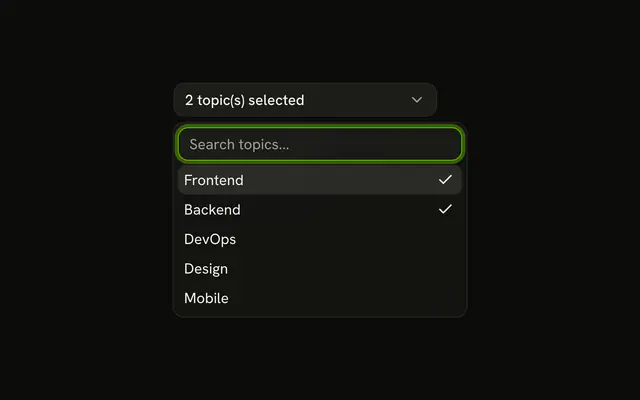
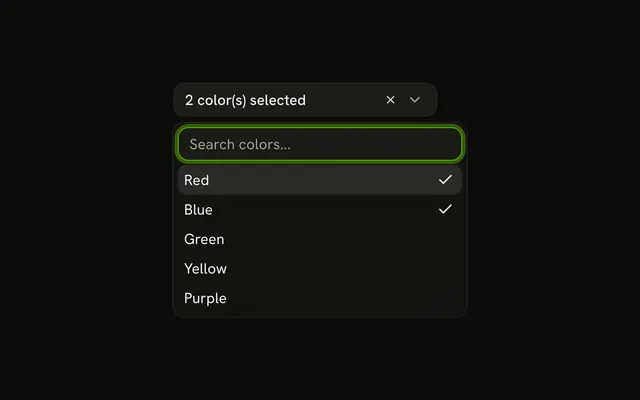
Use it for tags, labels, or assignees that should stay visible in the field. A count on the button, instead of chips, keeps a narrow Combobox. In Solid, Ark UI keeps the picks as a list.
Installation
Anatomy

Usage
<Combobox collection={_listCollection.collection()} multiple onInputValueChange={handleInputValueChange} onValueChange={handleValueChange} value={value()}>
      <ComboboxChips class="w-full">
        {selected().map(tag => <TagChip onRemove={handleRemove} tag={tag} />)}
        <ComboboxFieldInput class="min-w-16 flex-1 outline-none" placeholder={selected().length > 0 ? undefined : "Select tags..."} />
      </ComboboxChips>
      <ComboboxContent data-chips>
        <ComboboxEmpty>No tag found.</ComboboxEmpty>
        <ComboboxList>
          {_listCollection.collection().items.map(tag => <ComboboxItem item={tag}>
              {tag.label}
            </ComboboxItem>)}
        </ComboboxList>
      </ComboboxContent>
    </Combobox>
FAQ
How are the chips built?
ComboboxChips is the field. It holds a ComboboxChip per picked tag and the search input after them, so the field grows onto a new line as chips are added.
The demo maps the selected tags to chips and puts ComboboxFieldInput after them.
How does the X remove a tag?
Each chip has a remove button.
Its onRemove takes the tag out of the value.
What does the field show when it's empty?
Select tags..., as the placeholder of the search input. Once a chip is there the placeholder goes away, so it doesn't sit next to the chips.
What if people pick a lot of tags?
The chips wrap onto more lines. For long lists, show a count instead, as in With Item Count in Trigger, or list the picks below the field as in Selected Items List Below.
API Reference
Combobox
Sets collection={_listCollection.collection()}, multiple, onInputValueChange={handleInputValueChange}, onValueChange={handleValueChange}, value={value()} and placeholder. The rest is on the Combobox page.