shadcn.io is an independent project built on shadcn/ui
UI library: Ark UI
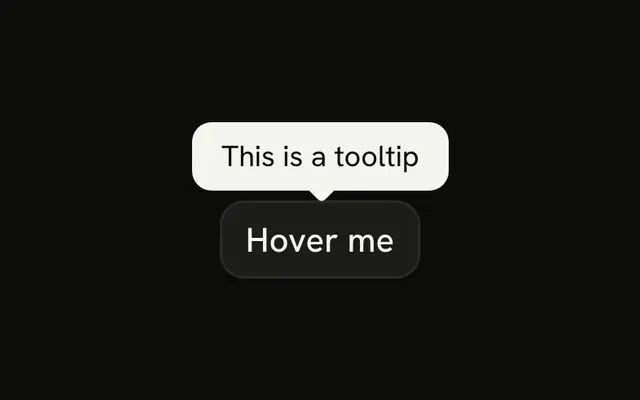
The API key field is masked. An info button at the end opens a tooltip that reads Found in your account settings. The button is named Where to find your API key.
Put the hint on the field when people keep asking where a value comes from. A longer explanation belongs in a Dialog. In Solid, Ark UI does not copy the tooltip text into the field.
Installation
Anatomy

Usage
<InputGroup class="w-full max-w-sm bg-background">
    <InputGroupInput aria-label="API key" placeholder="API key" type="password" />
    <InputGroupAddon align="inline-end">
      <Tooltip>
        <TooltipTrigger asChild={props => <InputGroupButton {...props()} aria-label="Where to find your API key" size="icon-xs" variant="ghost">
            <InfoIcon aria-hidden="true" />
          </InputGroupButton>} />
        <TooltipContent>
          <p>Found in your account settings</p>
        </TooltipContent>
      </Tooltip>
    </InputGroupAddon>
  </InputGroup>
FAQ
How is the info button tied to the tooltip?
TooltipTrigger takes asChild as a function that renders the InputGroupButton.When does the tooltip show?
On hover and keyboard focus of the button. Escape closes it. Touch screens don't hover, so keep essential help visible.
API Reference
Input Group
Sets aria-label="API key", placeholder="API key", type="password", align="inline-end", props and aria-label="Where to find your API key". The rest is on the Input Group page.
Tooltip
Sets asChild and props. The rest is on the Tooltip page.