shadcn.io is an independent project built on shadcn/ui
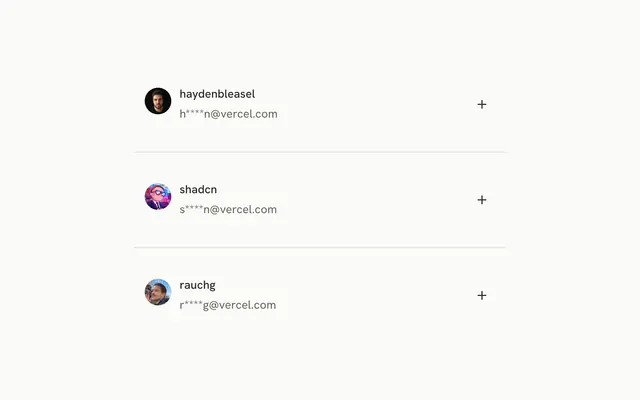
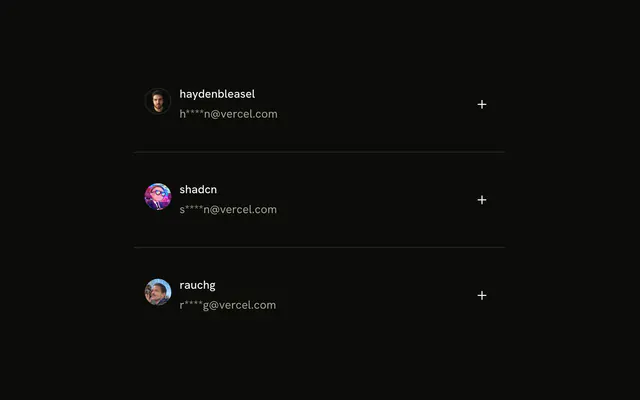
An outline Select button, with a chevron, opens a menu. Inside it, three rows each show an avatar, a username and a masked email.
Use rich rows in a menu when a name alone is not enough, such as picking a person. A Combobox fits once the list needs a search box. Ark UI in Solid does not filter the menu.
Installation
Anatomy
Usage
<div class="flex min-h-64 w-full max-w-md flex-col items-center gap-6">
    <DropdownMenu>
      <DropdownMenuTrigger asChild={props => <Button {...props({
      "class": "w-fit"
    })} size="sm" variant="outline">
          Select
          <ChevronDownIcon aria-hidden="true" data-icon="inline-end" />
        </Button>} />
      <DropdownMenuContent class="w-72">
        {PEOPLE.map(person => <DropdownMenuItem class="p-0" value={person.username}>
            <Item class="w-full p-2" size="sm">
              <ItemMedia>
                <Avatar>
                  <AvatarImage src={person.avatar} />
                  <AvatarFallback>{person.username.charAt(0)}</AvatarFallback>
                </Avatar>
              </ItemMedia>
              <ItemContent class="gap-0.5">
                <ItemTitle>{person.username}</ItemTitle>
                <ItemDescription>{person.email}</ItemDescription>
              </ItemContent>
            </Item>
          </DropdownMenuItem>)}
      </DropdownMenuContent>
    </DropdownMenu>
  </div>
FAQ
When should menu options use an Item instead of plain text?
When each option carries more than one piece of information, like a name and an email, or needs a picture to be recognized. For short labels such as Edit or Delete, plain text and an icon are enough. The menu's keyboard handling is the same either way.
Why p-0 on the menu item and p-2 on the Item?
Both parts have padding, and together they would double it. Removing it from the menu item and setting it on the Item lets one part own the spacing, and w-full makes the Item fill the row so the highlight covers it edge to edge.
How does ItemMedia hold the avatar?
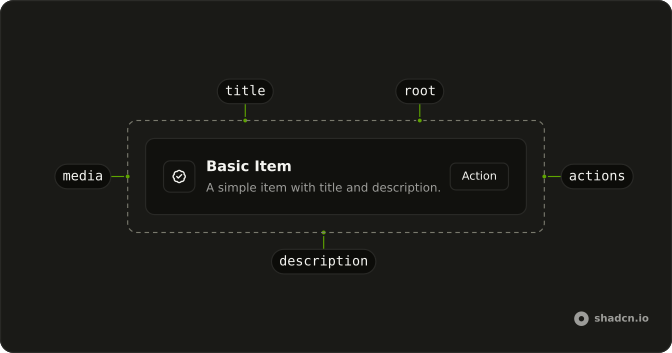
ItemMedia keeps the avatar from shrinking and aligns it with the text; when the row has a description, it moves to the top of the row. The Avatar here is its default size, and AvatarFallback shows the username's first letter if the picture doesn't load.
Why use size sm for Items in a menu?
size="sm" tightens the Item's gap and padding so more people fit before the menu scrolls. The example then sets p-2 on top of it to match the menu's own items. For an even tighter menu there's xs.
API Reference
Dropdown Menu
Sets asChild, props and value={person.username}. The rest is on the Dropdown Menu page.
Button
Sets props, w-fit, size="sm" and variant="outline". The rest is on the Button page.
Item
Sets size="sm". The rest is on the Item page.
Avatar
Sets src={person.avatar}. The rest is on the Avatar page.