shadcn.io is an independent project built on shadcn/ui
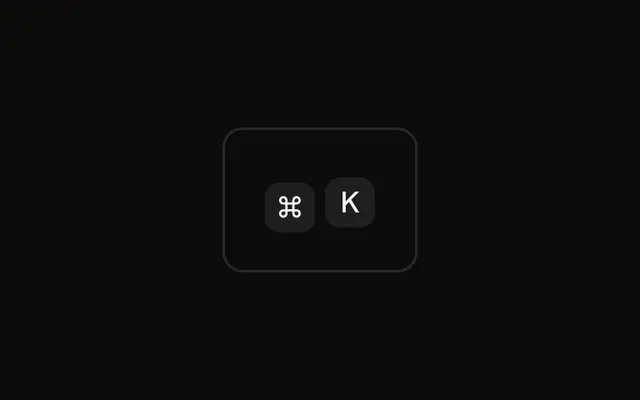
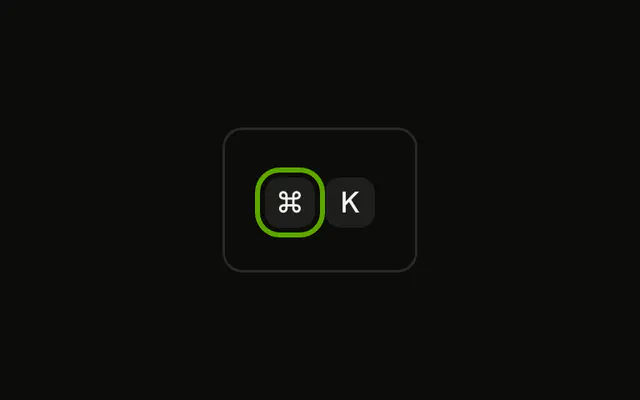
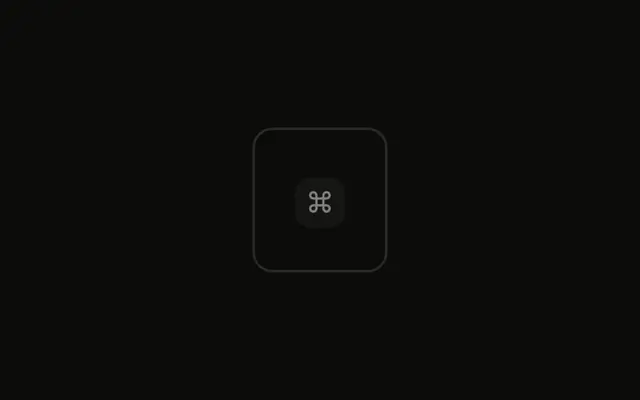
The ⌘ cap uses the primary fill and primary text. K stays on the normal muted cap. The color is static. No key is actually held.
Use the fill in a lesson that shows which key is down. A real press belongs on a Button, not on the cap. In Solid, Ark UI does not track held keys.
Installation
Anatomy

Usage
<div class="rounded-md border bg-background p-4">
    <KbdGroup>
      <Kbd class="bg-primary text-primary-foreground">⌘</Kbd>
      <Kbd>K</Kbd>
    </KbdGroup>
  </div>
FAQ
When should I show keys in an active state?
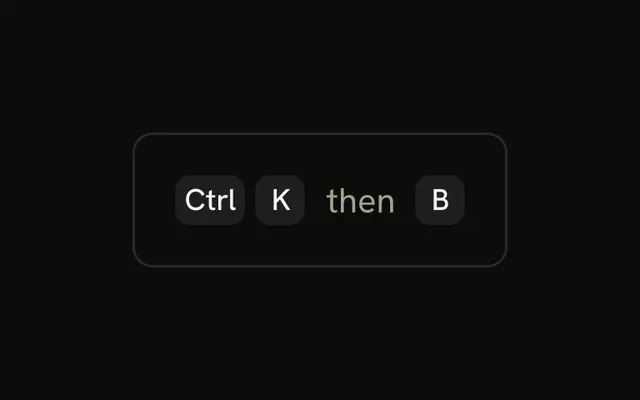
In interactive tutorials that show which key to hold next, in on-screen keyboard overlays for screen recordings, and in shortcut trainers that react to what the user presses. In static docs, every key in a shortcut is pressed together, so highlighting one is confusing.
What styling works best for an active key?
A strong fill with contrasting text, like the primary color here, reads at a glance. Keep the cap's size and shape the same as the others, so the state changes but the layout doesn't move.
Can several keys be active at once?
Yes. Put the same classes on every key that's held: a shortcut trainer would light ⌘ and then K as they go down. Compute the classes from the keys that are pressed instead of hard-coding them.
Should active keys be clickable?
No. Kbd is a label, not a control: it ignores the pointer, and screen readers don't announce it as a button. If clicking should run the command, use a Button and show the shortcut inside it.
API Reference
Kbd
No extra props in this demo. The rest is on the Kbd page.