shadcn.io is an independent project built on shadcn/ui
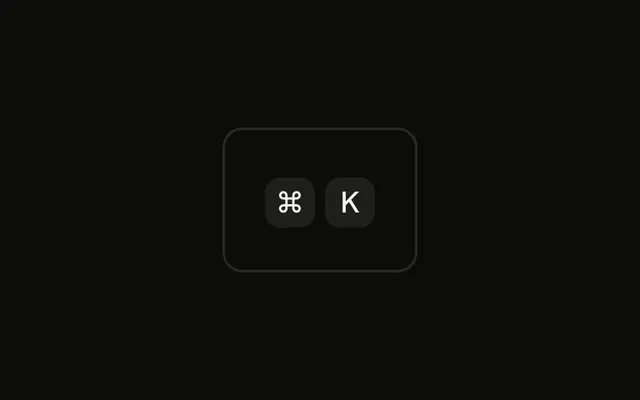
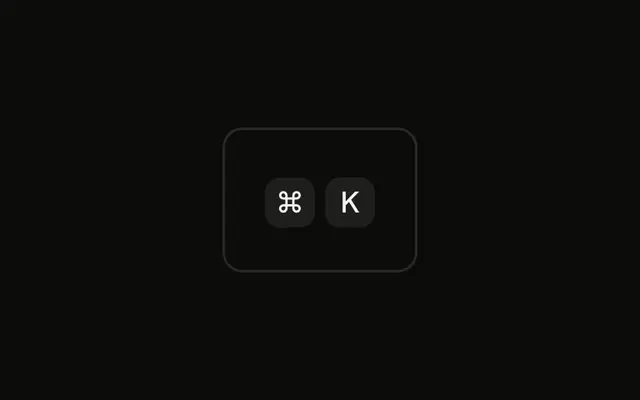
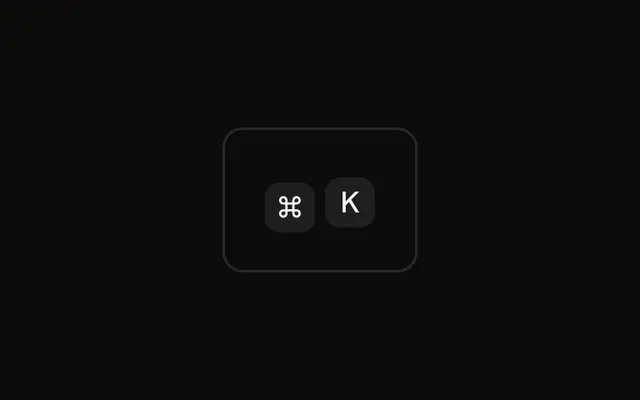
One ⌘ cap is at half opacity. Pointer events are turned back on so the not-allowed cursor can show. The fade is paint. The cap is not a disabled control.
Fade a shortcut when the command exists but cannot run, and put the disabled state on the Button that owns it. In Solid, Ark UI does not announce the cap as unavailable.
Installation
Anatomy

Usage
<div class="rounded-md border bg-background p-4">
    <Kbd class="pointer-events-auto cursor-not-allowed opacity-50">⌘</Kbd>
  </div>
FAQ
When should a shortcut look disabled?
When the command exists but can't run right now, and showing it helps people learn it: a menu item that's disabled, a toolbar action without a selection. If a shortcut never applies on a screen, leave it out.
Which classes make the key look disabled?
opacity-50 fades the cap to half strength, the same treatment disabled controls get across the components. cursor-not-allowed shows the not-allowed cursor, which only works with pointer-events-auto because Kbd turns pointer events off.
Should a disabled key be focusable?
A Kbd is never focusable. The control it belongs to decides: a disabled menu item or Button carries the disabled state, and its shortcut fades with it.
API Reference
Kbd
No extra props in this demo. The rest is on the Kbd page.