shadcn.io is an independent project built on shadcn/ui
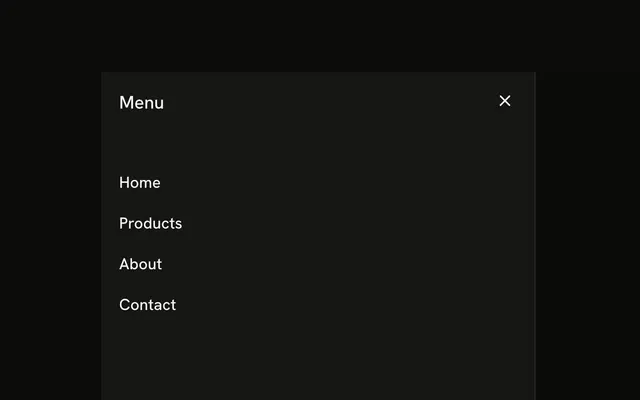
The sheet is titled Menu. A search field sits above Home, Products, Services, Blog, and Contact. Typing in the field does not hide any link.
Use it when a long menu needs a way to jump. Send the query to a Command palette if the list is the whole app. In Solid, Ark UI does not filter these links.
Installation
Anatomy

Usage
<Sheet>
    <SheetTrigger asChild={props => <Button {...props()} variant="outline">Menu</Button>} />
    <SheetContent side="left">
      <SheetHeader>
        <SheetTitle>Menu</SheetTitle>
      </SheetHeader>
      <div class="flex flex-col gap-4 p-4">
        <Input aria-label="Search menu" placeholder="Search menu..." type="search" />
        <nav class="flex flex-col gap-2">
          {LINKS.map(link => <a class="font-medium text-sm hover:underline" href="#">
              {link}
            </a>)}
        </nav>
      </div>
    </SheetContent>
  </Sheet>
FAQ
Does the search field filter the links?
Not in this demo: the input is uncontrolled and the links are static. Keep the query in state and show only the links that contain it, or submit it to your search page.
How is the search field labeled?
It has aria-label="Search menu" and type="search", since no visible label sits above it. The placeholder isn't a label: it disappears as people type.
Which links does the menu have?
Home, Products, Services, Blog and Contact, as a elements in a nav, mapped from a static list.
Does the sheet close when a link is clicked?
Links in a sheet don't close it. When a link changes the page, close the sheet in its click handler, or let your router's navigation unmount it. To close it from code, control the open state:
Pass open to Sheet and read details.open in onOpenChange.
API Reference
Sheet
Sets asChild, props and side="left". The rest is on the Sheet page.
Button
Sets props and variant="outline". The rest is on the Button page.
Input
Sets aria-label="Search menu", placeholder="Search menu..." and type="search". The rest is on the Input page.