shadcn.io is an independent project built on shadcn/ui
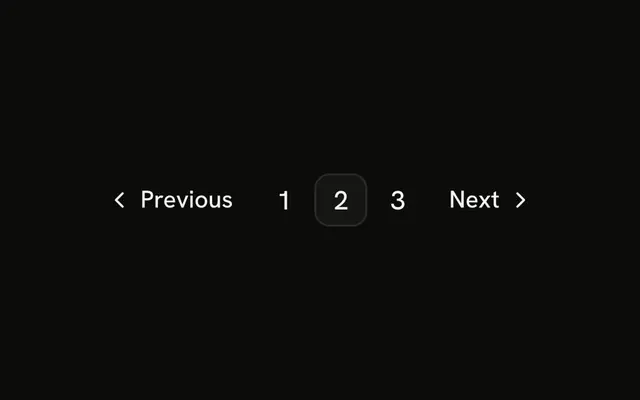
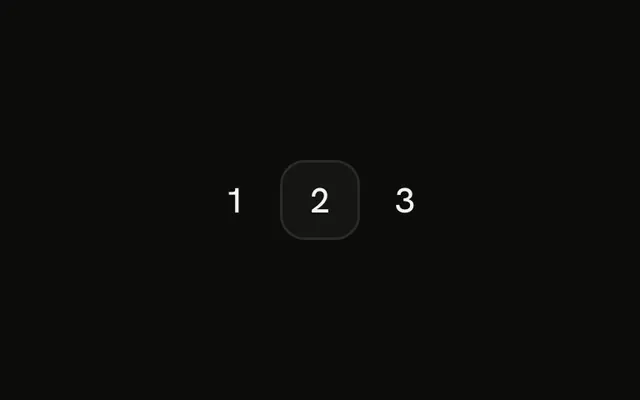
The row is Previous, pages 1, 2, and 3, and Next. Page 2 is current. Nothing here changes the size or the gap. Every href is #.
Treat it as the baseline next to the small, large, compact, and spacious rows. If people only move forward, a Button is simpler. In Solid, Ark UI follows the href on each control.
Installation
Anatomy
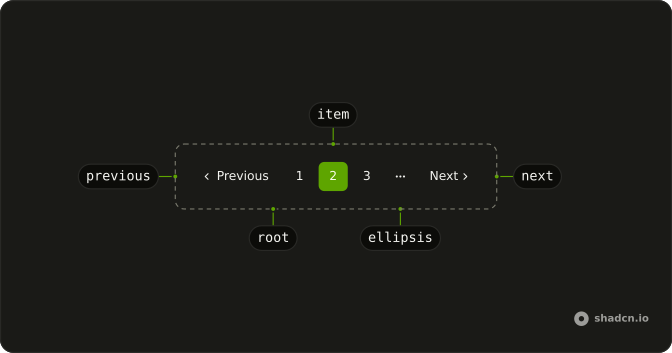
Usage
<Pagination>
    <PaginationContent>
      <PaginationItem>
        <PaginationPrevious href="#" />
      </PaginationItem>
      <PaginationItem>
        <PaginationLink href="#">1</PaginationLink>
      </PaginationItem>
      <PaginationItem>
        <PaginationLink href="#" isActive>
          2
        </PaginationLink>
      </PaginationItem>
      <PaginationItem>
        <PaginationLink href="#">3</PaginationLink>
      </PaginationItem>
      <PaginationItem>
        <PaginationNext href="#" />
      </PaginationItem>
    </PaginationContent>
  </Pagination>
FAQ
Which size does this pagination use?
The file passes no size and no height class. PaginationLink defaults to size="icon-md". PaginationPrevious and PaginationNext pass size="md".
What is in the row?
PaginationPrevious, links for 1, 2 and 3, and PaginationNext. Page 2 has isActive, so it is the outline link with aria-current="page".
How is the gap chosen?
PaginationContent has no gap-* class in this file. The gap comes from the cn-pagination-content style, which is gap-0.5 in some styles and gap-1 in others.
How do I point Previous, the numbers, and Next at real URLs?
Every href is #. Set href on PaginationPrevious, each PaginationLink, and PaginationNext to that page's URL.
API Reference
Pagination
Sets href="#" and isActive. The rest is on the Pagination page.