shadcn.io is an independent project built on shadcn/ui
Ten page links sit in one row, from 1 to 10. Page 5 is current. They are rendered from a list of page numbers. Every href is #.
Use it only when every page fits on screen. Past about ten, collapse the middle with an ellipsis, or jump with a Select. In Solid, Ark UI does not trim the row for you.
Installation
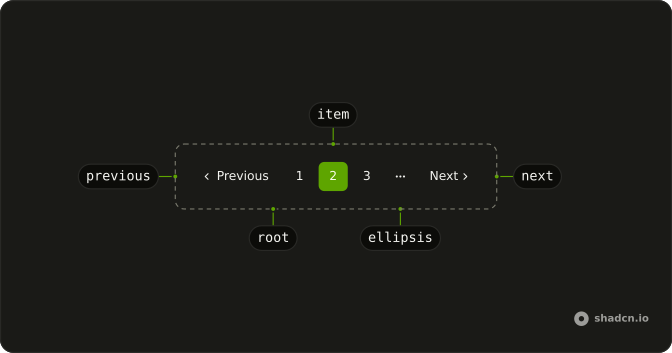
Anatomy
Usage
<Pagination>
    <PaginationContent>
      {pages.map(page => <PaginationItem>
          <PaginationLink href="#" isActive={page === 5}>
            {page}
          </PaginationLink>
        </PaginationItem>)}
    </PaginationContent>
  </Pagination>
FAQ
How are the ten links rendered?
The page numbers are a list, 1 to 10, mapped to one PaginationItem and PaginationLink each, keyed by the page number.
How is page 5 marked current?
isActive is true where the page equals 5, which gives that link the outline style and aria-current="page". Compare against your current page instead.
What if the row is too wide?
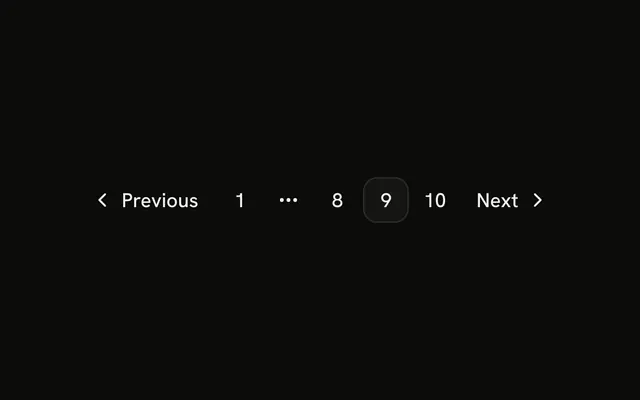
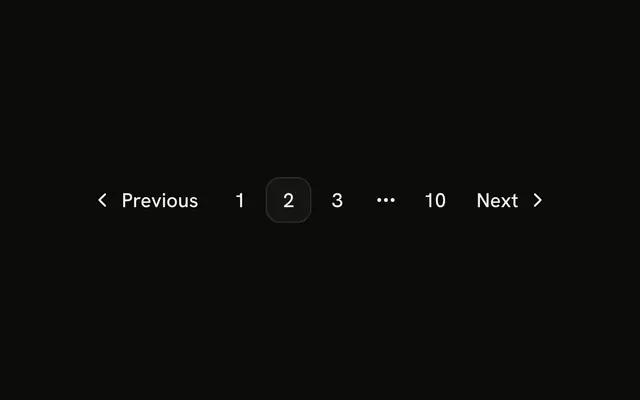
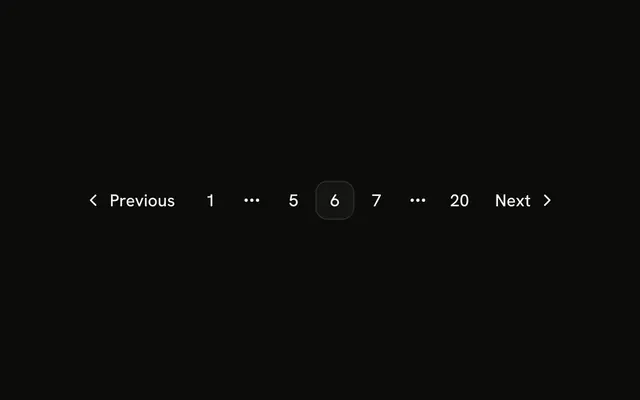
Ten links fit most screens; more don't. Collapse the middle with PaginationEllipsis, keeping the first, last and nearby pages.
Can Pagination generate the numbers for me?
Yes. Pass count and render PaginationItems. siblingCount and boundaryCount choose how many pages show beside the current one and at each end, and the gaps become PaginationEllipsis.
API Reference
Pagination
Sets href="#" and isActive={page === 5}. The rest is on the Pagination page.