shadcn.io is an independent project built on shadcn/ui
UI library: Ark UI
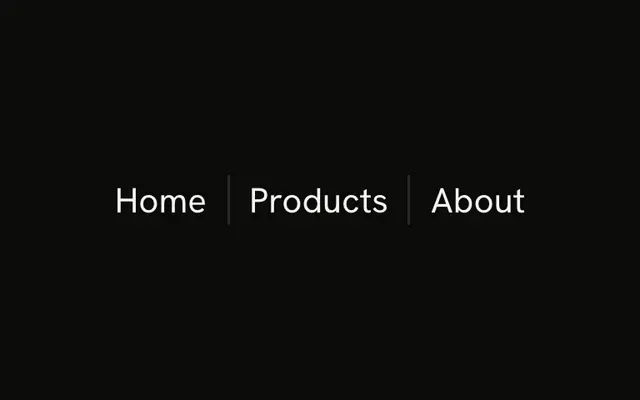
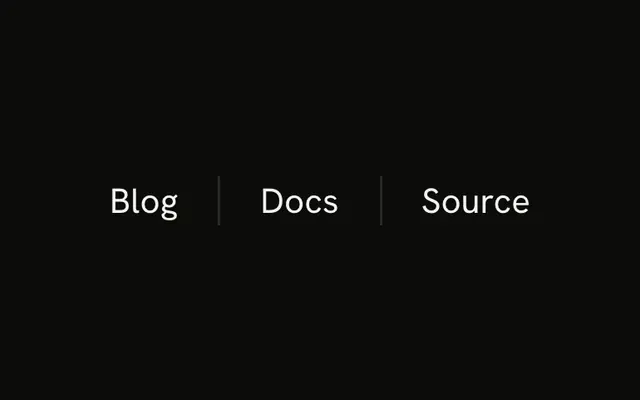
Settings and Account sit in a row, each with a title and a muted line: Manage preferences, and Profile & security. A vertical line stands between them. On a wide screen, Help joins the row.
Use this for a compact summary in a toolbar. A Menubar fits when those words should be commands, not labels. In Solid, Ark UI leaves the gap to the parent.
Installation
Anatomy
Usage
<div class="flex items-center gap-2 text-sm md:gap-4">
    <div class="flex flex-col gap-1">
      <span class="font-medium">Settings</span>
      <span class="text-muted-foreground text-xs">Manage preferences</span>
    </div>
    <Separator orientation="vertical" />
    <div class="flex flex-col gap-1">
      <span class="font-medium">Account</span>
      <span class="text-muted-foreground text-xs">Profile & security</span>
    </div>
    <Separator class="hidden md:block" orientation="vertical" />
    <div class="hidden flex-col gap-1 md:flex">
      <span class="font-medium">Help</span>
      <span class="text-muted-foreground text-xs">Support & docs</span>
    </div>
  </div>
FAQ
API Reference
Separator
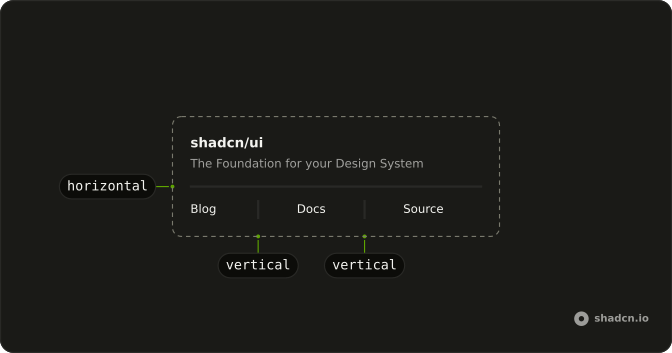
Sets orientation="vertical". The rest is on the Separator page.