shadcn.io is an independent project built on shadcn/ui
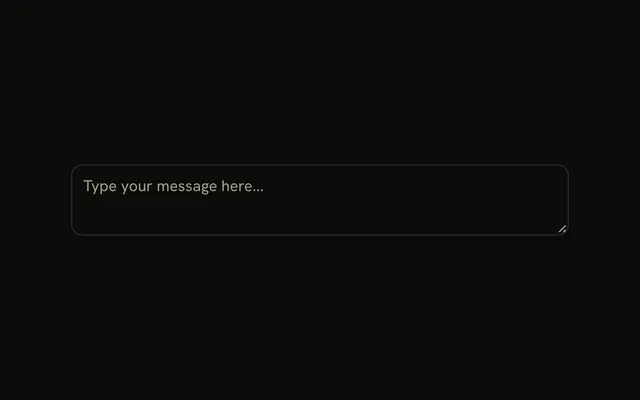
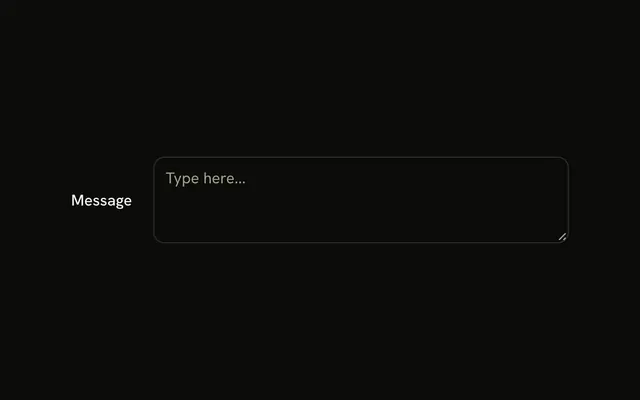
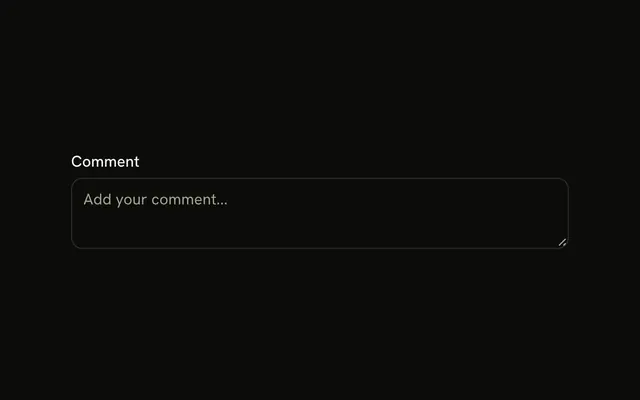
A textarea is fixed at three rows, with the placeholder Shorter textarea. Its accessible name is Message. There is no visible label. Extra text scrolls inside those three rows.
Use it in a sidebar or a dense panel where height is tight. Let it grow if people write more than a note. One line belongs in an Input. In Solid, Ark UI does not pick the row count.
Installation
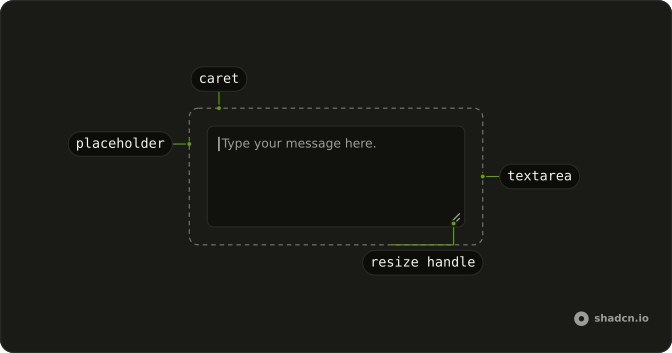
Anatomy
Usage
<Textarea aria-label="Message" class="field-sizing-fixed min-h-0 max-w-md bg-background" placeholder="Shorter textarea" rows={3} />FAQ
Why does the short Textarea need field-sizing-fixed and min-h-0?
The Textarea has field-sizing-content, so in browsers that support it the height follows the text and rows is ignored, and min-h-16 keeps it at least that tall. field-sizing-fixed brings back the rows height and min-h-0 removes the minimum, so three rows means three lines everywhere.
What happens when users type more than three lines?
The Textarea keeps its height and scrolls, with a scrollbar once the text overflows. Keyboard and screen reader users can still reach every line. If it should grow instead, drop field-sizing-fixed and cap it with a max height such as max-h-40.
Can I adjust the rows to make it even more compact?
Yes, rows takes any number. Two rows still reads as a multi-line field; at one row, use an Input instead, which says single line to everyone.
Should I allow users to resize short textareas?
The browser's resize handle stays on by default, which helps people who type more than you planned for. Add resize-none if the layout around it must not move, or resize-y to allow height changes only.
API Reference
Textarea
Sets aria-label="Message", placeholder="Shorter textarea" and rows={3}. The rest is on the Textarea page.