shadcn.io is an independent project built on shadcn/ui
The title asks Revoke API Access. Four lines say requests stop, integrations break, a new key is required, and it cannot be reversed. Revoke Access does not revoke a key.
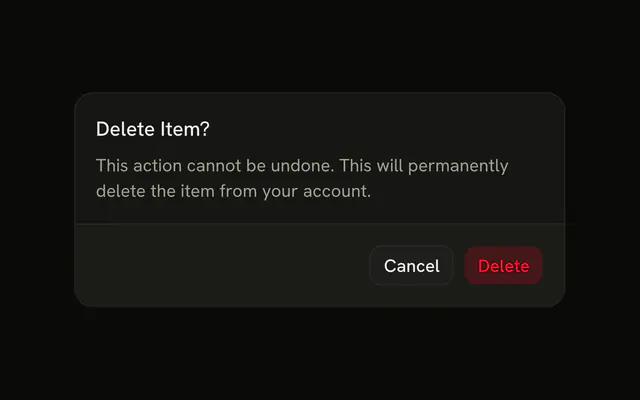
Spell out the side effects when the button name is not enough. A one-item delete can stay a short confirm on a destructive Button. In Svelte, Ark UI does not revoke the key.
Installation
Anatomy

Usage
<AlertDialog><AlertDialogTrigger>{#snippet asChild(props)}<Button {...props()} variant="destructive">Revoke Access</Button>{/snippet}</AlertDialogTrigger><AlertDialogContent><AlertDialogHeader><AlertDialogTitle>Revoke API Access?</AlertDialogTitle><AlertDialogDescription>Revoking this API key will immediately:</AlertDialogDescription></AlertDialogHeader><div class="rounded-md bg-destructive/10 p-4 text-sm"><ul class="ms-4 flex list-disc flex-col gap-1 text-destructive">{#each consequences as consequence (consequence)}<li>{consequence}</li>{/each}</ul></div><AlertDialogFooter><AlertDialogCancel>Cancel</AlertDialogCancel><AlertDialogClose>{#snippet asChild(props)}<AlertDialogAction {...props()} variant="destructive">Revoke Access</AlertDialogAction>{/snippet}</AlertDialogClose></AlertDialogFooter></AlertDialogContent></AlertDialog>FAQ
Why a tinted panel for the list?
bg-destructive/10 with text-destructive ties the list to the destructive action without the glare of a solid red block. The theme tokens keep it readable in light and dark mode.
How many consequences should I list?
Three to five, one per line, each a short phrase. More than that and people skim past the list.
In what order?
Most severe and immediate first, procedural notes like Cannot be reversed last. People read the top items most carefully.
How should I word them?
Directly and actively: Disable all API requests using this key, not Requests may be affected. Hedging undermines a warning.
API Reference
Alert Dialog
Sets props and variant="destructive". The rest is on the Alert Dialog page.
Button
Sets props and variant="destructive". The rest is on the Button page.