shadcn.io is an independent project built on shadcn/ui
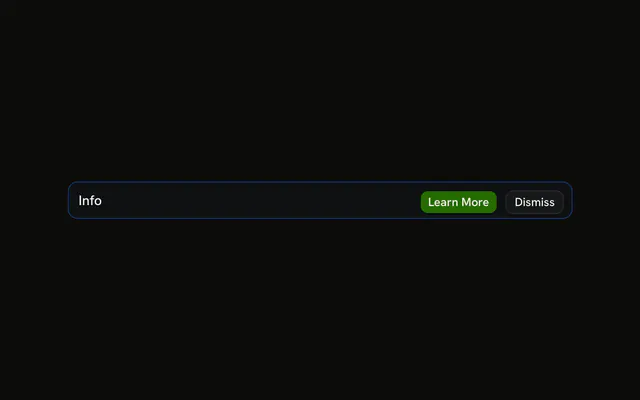
The title Info, a sentence that the beta may be limited, and Learn More plus Dismiss. No icon. Learn More is filled. Dismiss is outlined. Clicks are not wired.
Use it when the notice needs a sentence and a place to read more. If they must acknowledge it first, use an Alert Dialog. In Svelte, Ark UI does not open a page for Learn More.
Installation
Anatomy

Usage
<Alert class="max-w-lg" variant="info"><AlertTitle>Info</AlertTitle><AlertDescription>This feature is currently in beta. Some functionality may be limited.</AlertDescription><AlertAction class="flex gap-2"><Button size="xs">Learn More</Button><Button size="xs" variant="outline">Dismiss</Button></AlertAction></Alert>FAQ
Which parts does this info alert include?
AlertTitle, AlertDescription, and Learn More plus Dismiss in AlertAction. The root is variant="info" with className="max-w-lg". There is no icon.
What does the description say?
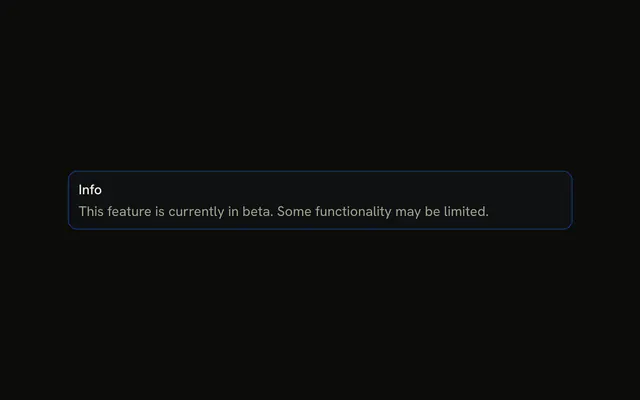
"This feature is currently in beta. Some functionality may be limited." It is the text of AlertDescription, in the muted color. The info tint is on the background and the border.
How are the buttons placed next to a wrapping description?
AlertAction is absolutely positioned at the top right, and the alert adds right padding so the title keeps its room. The description wraps in the grid under the title. Both buttons are size="xs" in one slot with className="flex gap-2".
API Reference
Alert
Sets variant="info". The rest is on the Alert page.
Button
Sets size="xs" and variant="outline". The rest is on the Button page.