shadcn.io is an independent project built on shadcn/ui
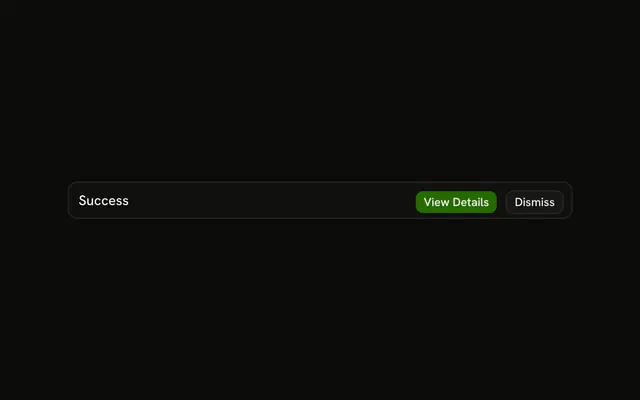
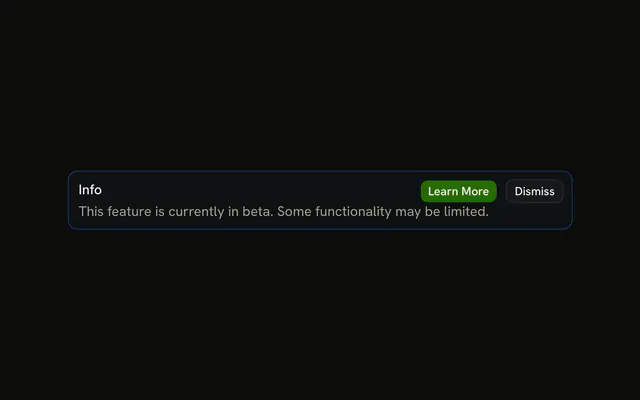
The title Success, a saved-changes sentence, and View Details plus Dismiss. No icon and no tint. The buttons are not connected.
Use it when a neutral update needs a sentence and an optional next step. If they must choose before moving on, use an Alert Dialog. In Svelte, Ark UI does not dismiss it.
Installation
Anatomy

Usage
<Alert class="max-w-lg"><AlertTitle>Success</AlertTitle><AlertDescription>Your changes have been saved successfully.</AlertDescription><AlertAction class="flex gap-2"><Button size="xs">View Details</Button><Button size="xs" variant="outline">Dismiss</Button></AlertAction></Alert>FAQ
When should I use fully-featured standard alerts?
When a neutral message needs an explanation and the reader may act on it: a finished export with a link to the file, a change with a link to the details. Drop the parts you don't need.
How do I create hierarchy without color theming?
With weight and order. AlertTitle is heavier than the muted AlertDescription, and the default button is filled while Dismiss is outlined, so the reader's eye goes to the title, then the main action.
How long should descriptions be in fully-featured alerts?
A sentence or two. With a title and two buttons the alert is already busy; more text belongs on the page View Details opens.
When should I use alerts vs dialogs for important messages?
Use an alert when the reader can keep working and act later. Use a dialog, or an Alert Dialog for confirmations, when they must decide before going on. An alert never blocks the page.
API Reference
Alert
No extra props in this demo. The rest is on the Alert page.
Button
Sets size="xs" and variant="outline". The rest is on the Button page.