shadcn.io is an independent project built on shadcn/ui
Destructive color, the label, then an arrow. Use the arrow when delete is step one of a flow, not when the delete happens immediately.
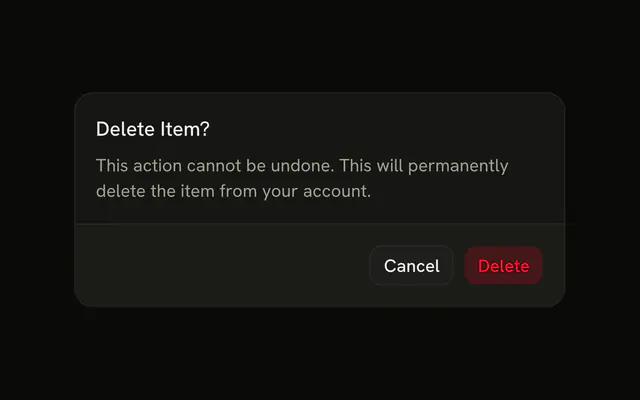
Use it for Delete and continue, or Remove and review. If the click should just delete, drop the arrow and confirm in an Alert Dialog. In Svelte, Ark UI will not tell anyone the icon is an arrow.
Installation
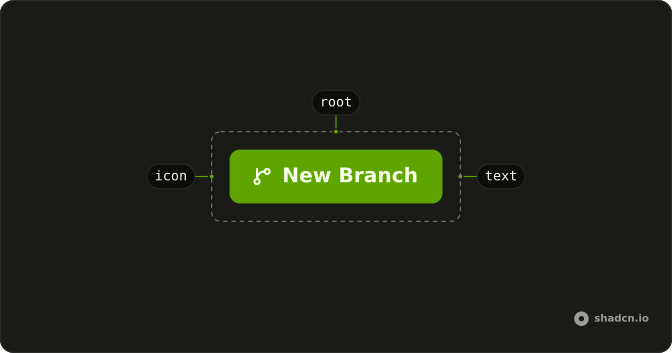
Anatomy
Usage
<Button variant="destructive">Button<ArrowRightIcon aria-hidden="true" data-icon="inline-end" /></Button>FAQ
Why is the arrow after the label?
The destructive button ends with ArrowRightIcon and data-icon="inline-end". The arrow picks up the danger color, stays aria-hidden="true", and moves to the other side in a right-to-left layout.
Does the arrow mean this navigates?
No. The arrow is decorative. The control is still a button with type="button", so it doesn't open a URL and it doesn't submit a form unless you pass type="submit".
How do I use a different icon?
Replace ArrowRightIcon and keep data-icon="inline-end" if it should stay after the label. Use inline-start if it should lead. Leave aria-hidden="true" on while the text is enough.
What does destructive add to the arrow?
variant="destructive" paints a light danger fill and danger-colored text, and the arrow uses that same color. The arrow still doesn't mean the click is safe to repeat. Confirm a delete that can't be undone in an Alert Dialog.
API Reference
Button
Sets variant="destructive". The rest is on the Button page.