shadcn.io is an independent project built on shadcn/ui
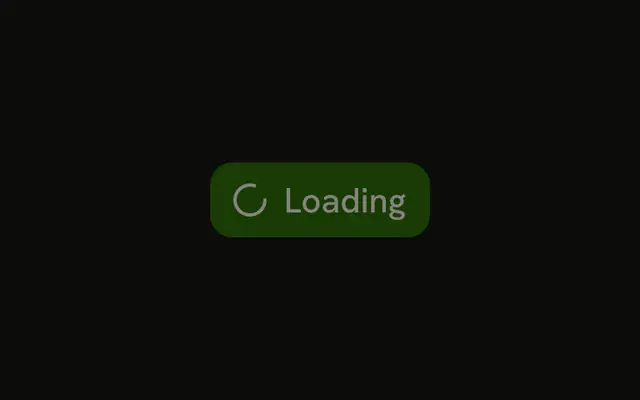
The destructive button shows a spinner and Loading, and it does not accept another click. Keep the destructive color while it runs so the action still looks dangerous.
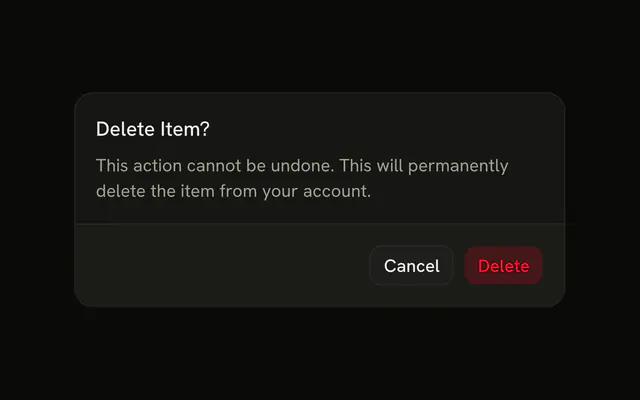
Use it after someone confirms a delete. If they have not confirmed, an Alert Dialog comes first. In Svelte, Ark UI only disables the button. It does not undo the request.
Installation
Anatomy
Usage
<Button disabled variant="destructive"><Spinner data-icon="inline-start" />Loading</Button>FAQ
Does this demo use isLoading?
No. It passes disabled, renders a Spinner with data-icon="inline-start", and keeps the word Loading. variant="destructive" keeps the light danger fill and danger-colored text, with the spinner and Loading in that color.
When would I use isLoading instead?
isLoading hides the label visually, centers a spinner, keeps the button's width, sets aria-busy, and disables the button. Use this demo's pattern when the word should stay visible beside the spinner.
Why is the button disabled?
So a second click can't start the request again. You set disabled yourself here. isLoading does that for you. This demo doesn't.
Can the label say something other than Loading?
Yes. The children after the spinner are ordinary text. Saving, or Deleting 3 items, is fine. The demo says Loading so the state is obvious.
API Reference
Button
Sets disabled and variant="destructive". The rest is on the Button page.
Spinner
Sets data-icon="inline-start". The rest is on the Spinner page.