shadcn.io is an independent project built on shadcn/ui
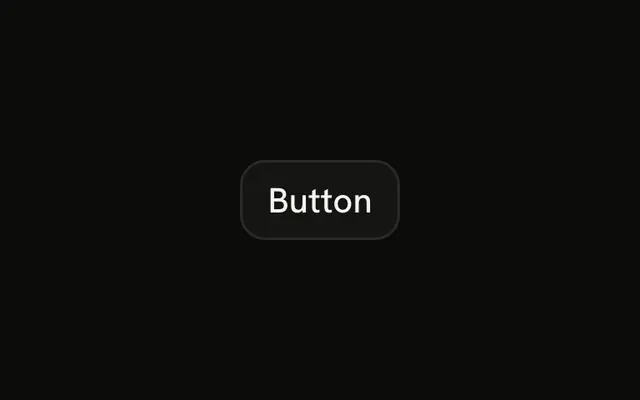
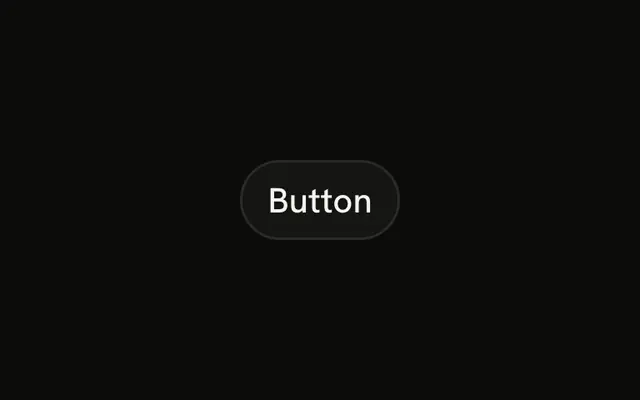
A border, no strong fill, and an arrow after the text. The arrow is hidden from assistive tech.
Use it for View or Details beside a stronger action. If this is the press you want, use the filled Button. In Svelte, Ark UI only sets where the icon sits.
Installation
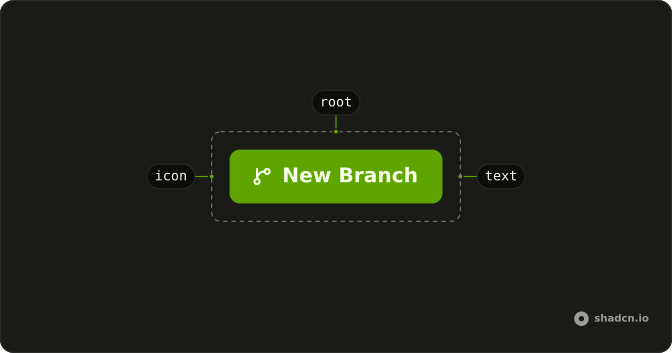
Anatomy
Usage
<Button variant="outline">Button<ArrowRightIcon aria-hidden="true" data-icon="inline-end" /></Button>FAQ
Why is the arrow after the label?
The outline button ends with ArrowRightIcon and data-icon="inline-end". The arrow uses the label color, stays hidden from assistive tech, and swaps sides when the direction is right to left.
Does the arrow mean this navigates?
No. The arrow is decorative. The control is still a button with type="button", so it doesn't open a URL and it doesn't submit a form unless you pass type="submit".
How do I use a different icon?
Replace ArrowRightIcon and keep data-icon="inline-end" if it should stay after the label. Use inline-start if it should lead. Leave aria-hidden="true" on while the text is enough.
API Reference
Button
Sets variant="outline". The rest is on the Button page.