shadcn.io is an independent project built on shadcn/ui
All, Bugs, Features, and Docs sit between the search box and the list. A button keeps only that category, and the search runs inside what remains. The issues include Bug Report and Feature Request.
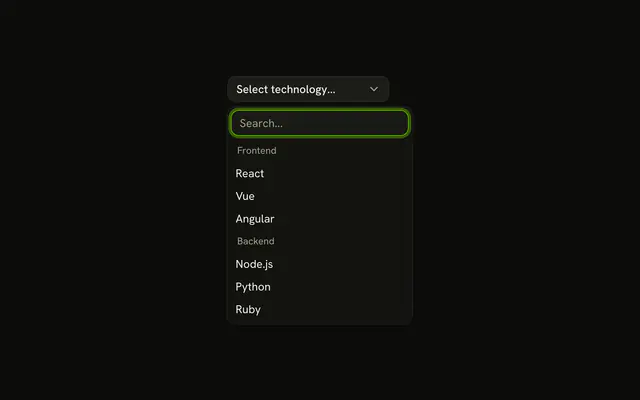
Use it for a long list with a few clear categories, where a filter is quicker than typing the category. Group headings are the other split, on a Combobox. In Svelte, Ark UI searches the list it is given. The buttons change that list.
Installation
Anatomy

Usage
<Combobox collection={collection} onInputValueChange={handleInputValueChange} onValueChange={handleValueChange} positioning={{ getAnchorElement: () => triggerRef }} selectionBehavior="clear" value={value}><ComboboxTrigger class={cn(
          buttonVariants({ variant: "outline" }),
          "w-[250px] justify-between"
        )} bind:ref={triggerRef}>{#if selected}{selected.label}{:else}{"Select item..."}{/if}</ComboboxTrigger><ComboboxContent><ComboboxInput class="w-full" placeholder="Search items..." showTrigger={false} /><div class="flex gap-1 border-b p-2">{#each filters as option (option.label)}<Button aria-pressed={category === option.value} data-category={option.value} onclick={handleFilter} pill size="xs" variant={category === option.value ? "default" : "outline"}>{option.label}</Button>{/each}</div><ComboboxEmpty>No item found.</ComboboxEmpty><ComboboxList>{#each collection.items as issue (issue.value)}<ComboboxItem item={issue}>{issue.label}</ComboboxItem>{/each}</ComboboxList></ComboboxContent></Combobox>
FAQ
How does a button set the filter?
It stores its category, read from a data-category attribute, in state. All stores an empty category, which shows everything.
How do the filter and the search combine?
The items are narrowed to the category first, then the search filters what's left.
Both are applied while building the collection with createListCollection.
Which issues are listed?
Bug Report and Critical Bug (Bugs), Feature Request and New Feature (Features), and Documentation (Docs). No item found. shows when nothing matches.
API Reference
Combobox
Sets collection={collection}, onInputValueChange={handleInputValueChange}, onValueChange={handleValueChange}, positioning, getAnchorElement and cn. The rest is on the Combobox page.
Button
Sets aria-pressed={category === option.value}, data-category={option.value}, onclick={handleFilter}, pill, size="xs" and variant. The rest is on the Button page.